Quiqr.pro

Restaurant inventory management web application, mobile application to support web application and website
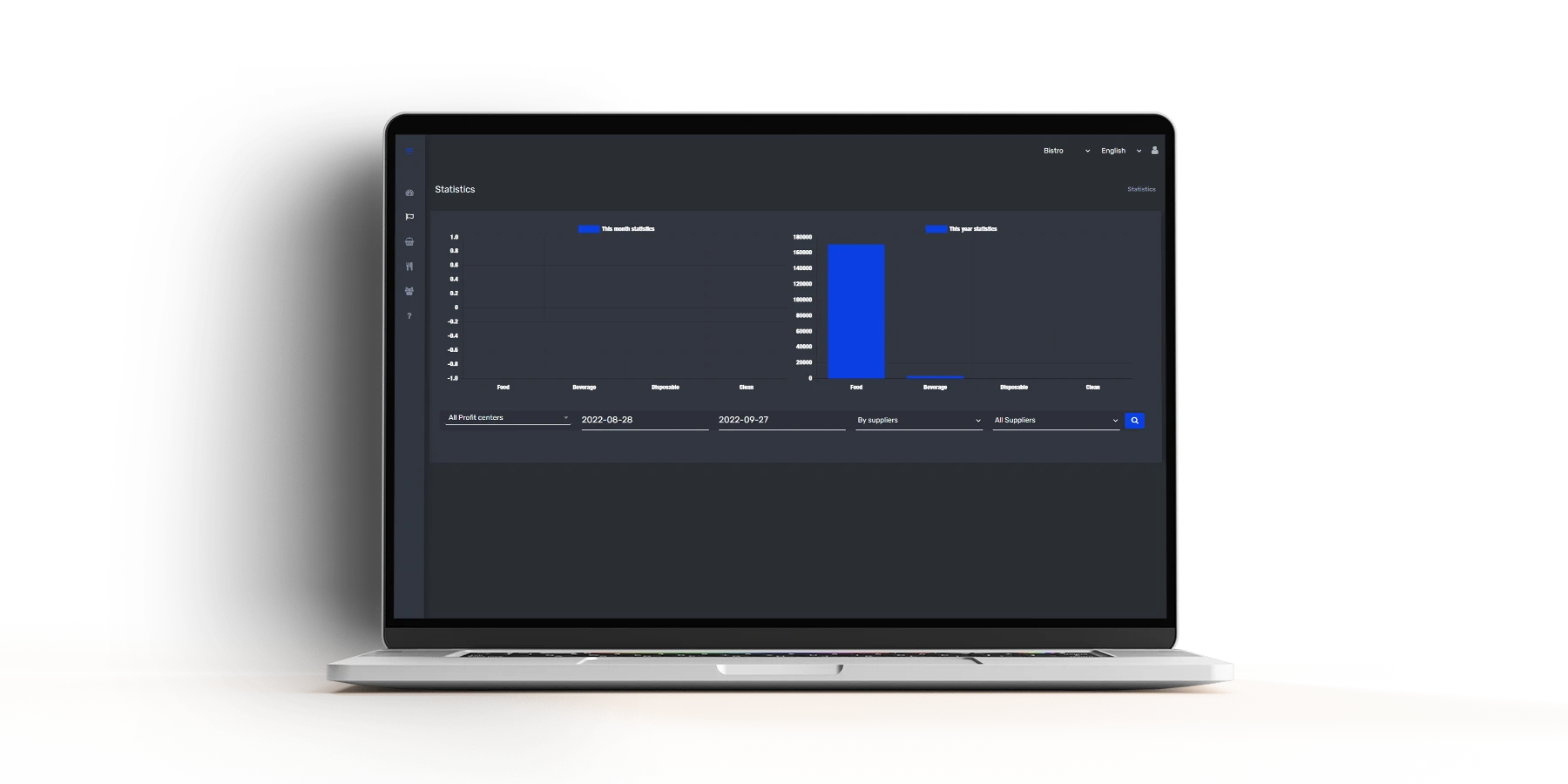
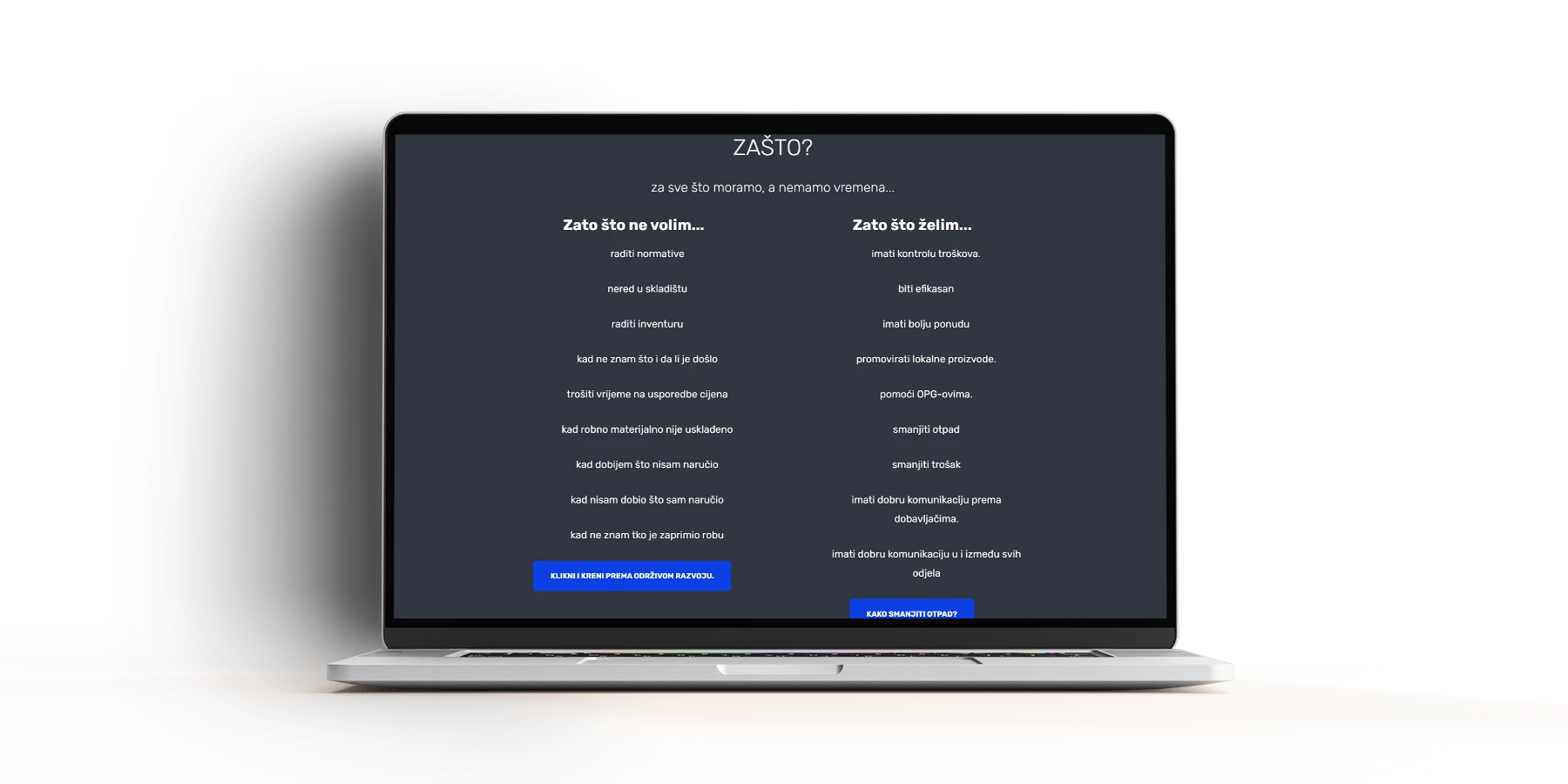
The leading part of the system is a web application for managing stocks and ordering goods for restaurateurs, primarily intended for restaurants. Restaurants as such always have problems with procurement, delivery control, warehouse organization, standards, cash, inventories…
Ideally, the quiqr.pro system solves all these problems, which also means that there is extremely complex logic in the background as well as several auxiliary components.
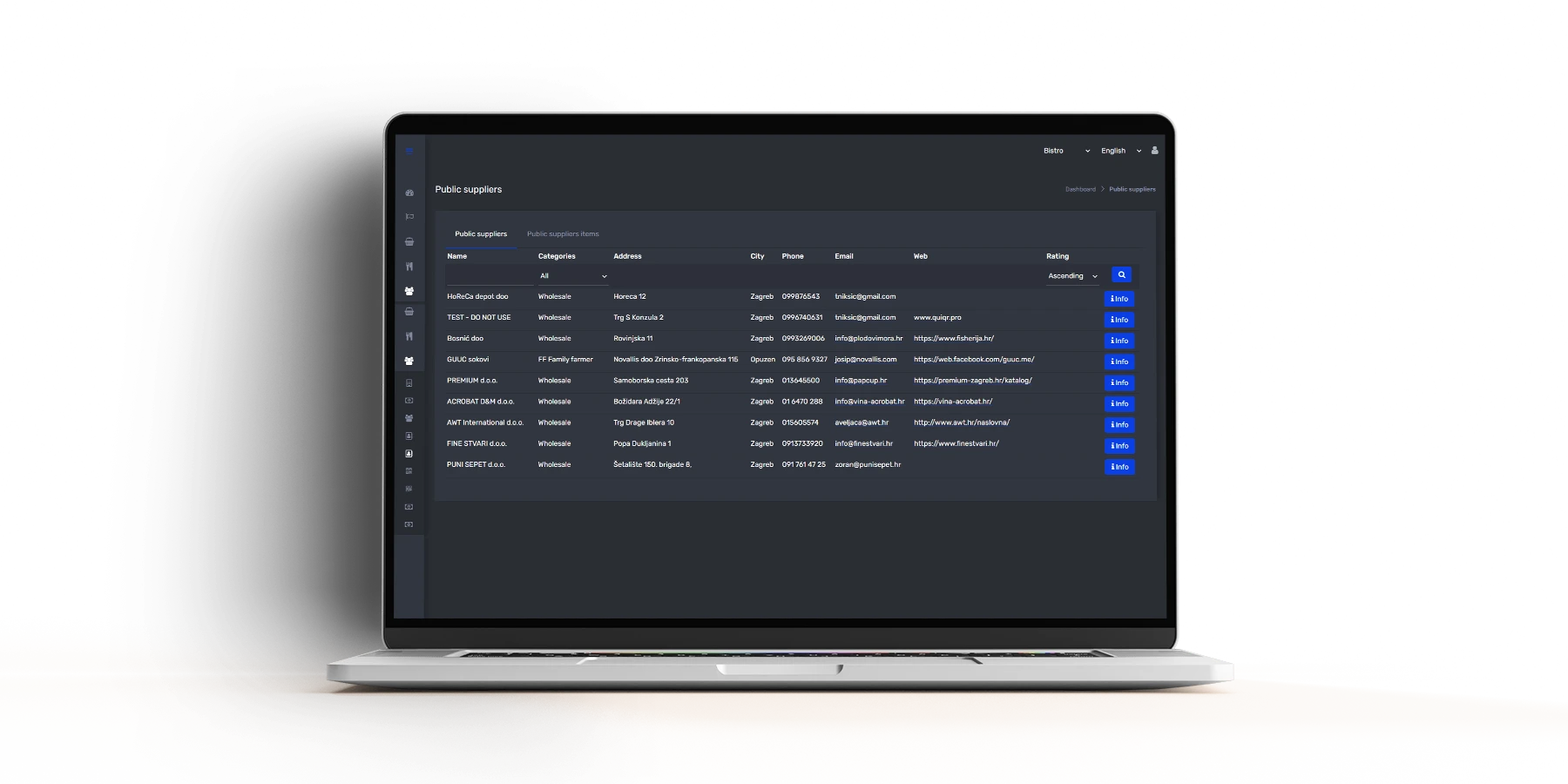
It solves them in a way that follows and elaborates catering standards and turns each recipe through the quantities of necessary ingredients (grocery) into items for order. Orders for items are no longer made by sending a large number of email messages to different suppliers, but instead the system sends orders to all related suppliers with one click.

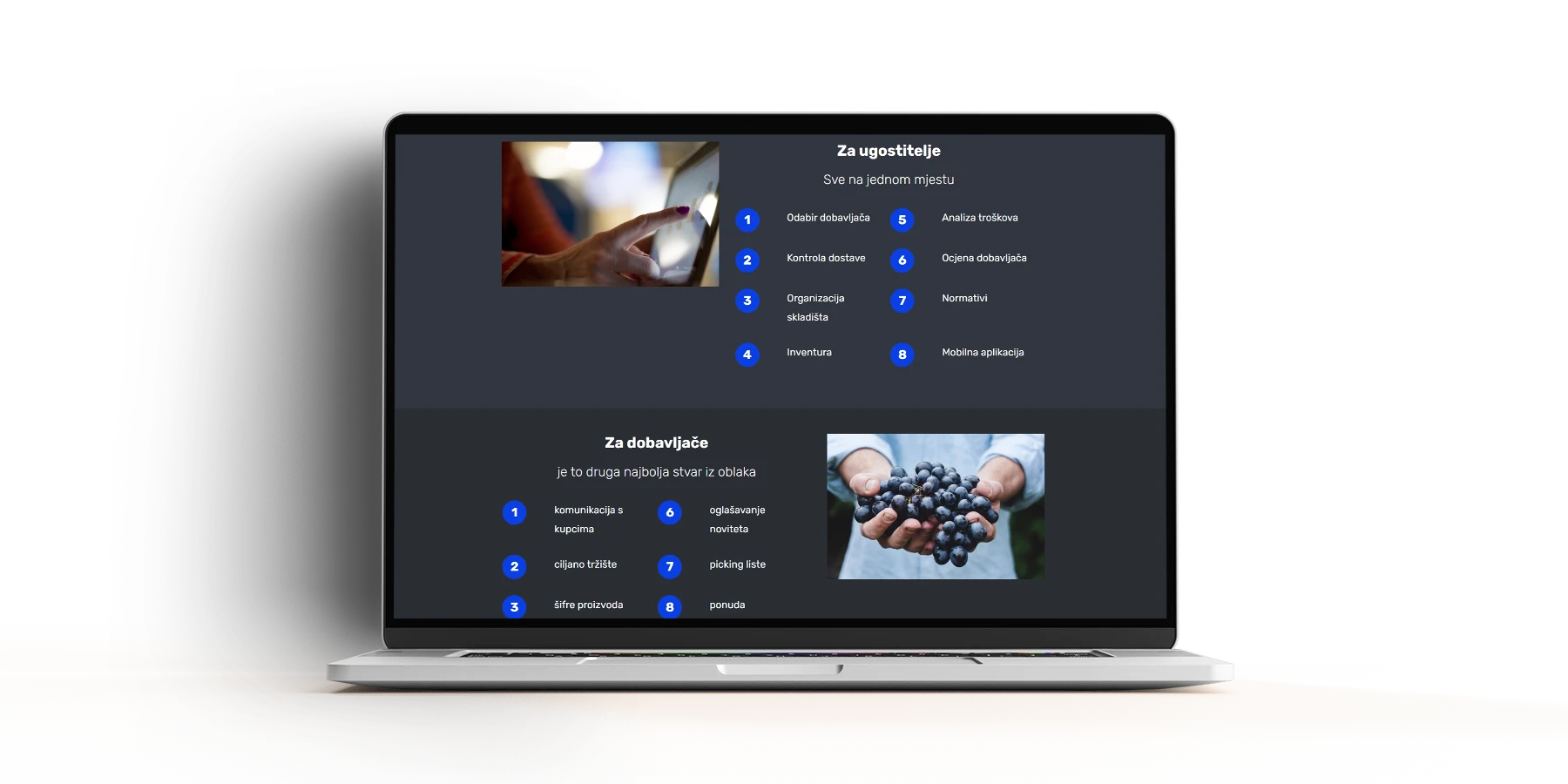
Naravno da je moguće i pretraživati cijene i artikle kod svih vezanih dobavljača i naručivati kod best buy dobavljača automatski. Stavljen je veliki naglasak i na lokalne OPG-ove kako bi se ponudila najviša kvaliteta.

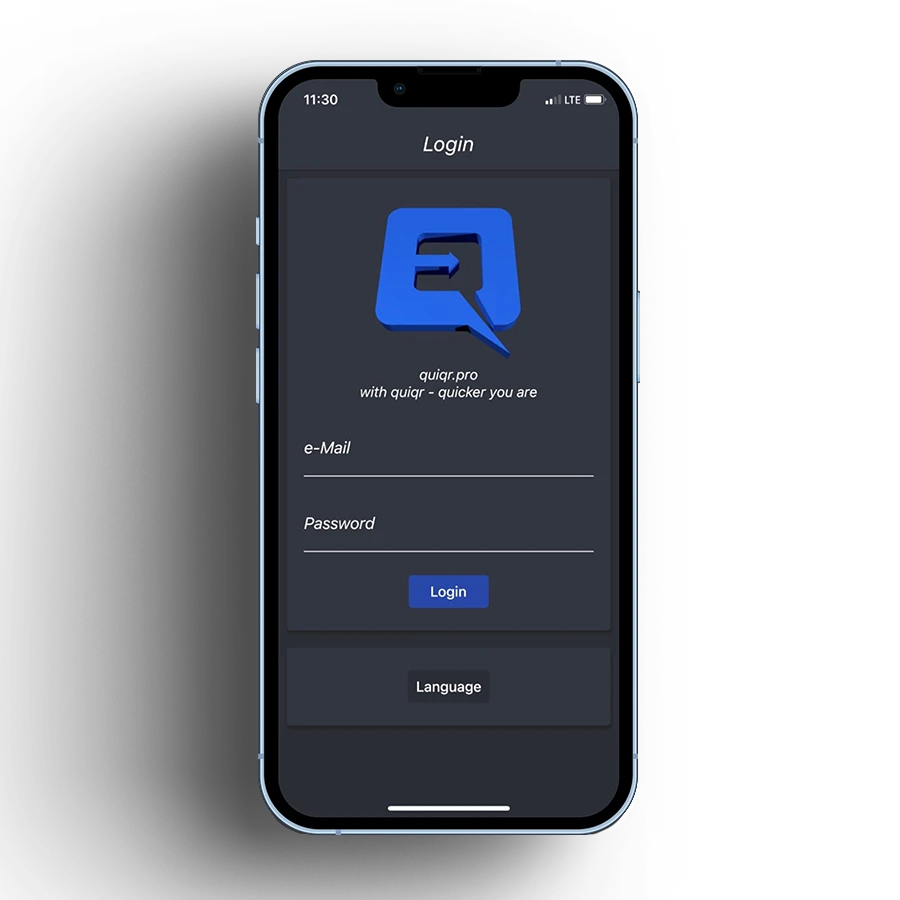
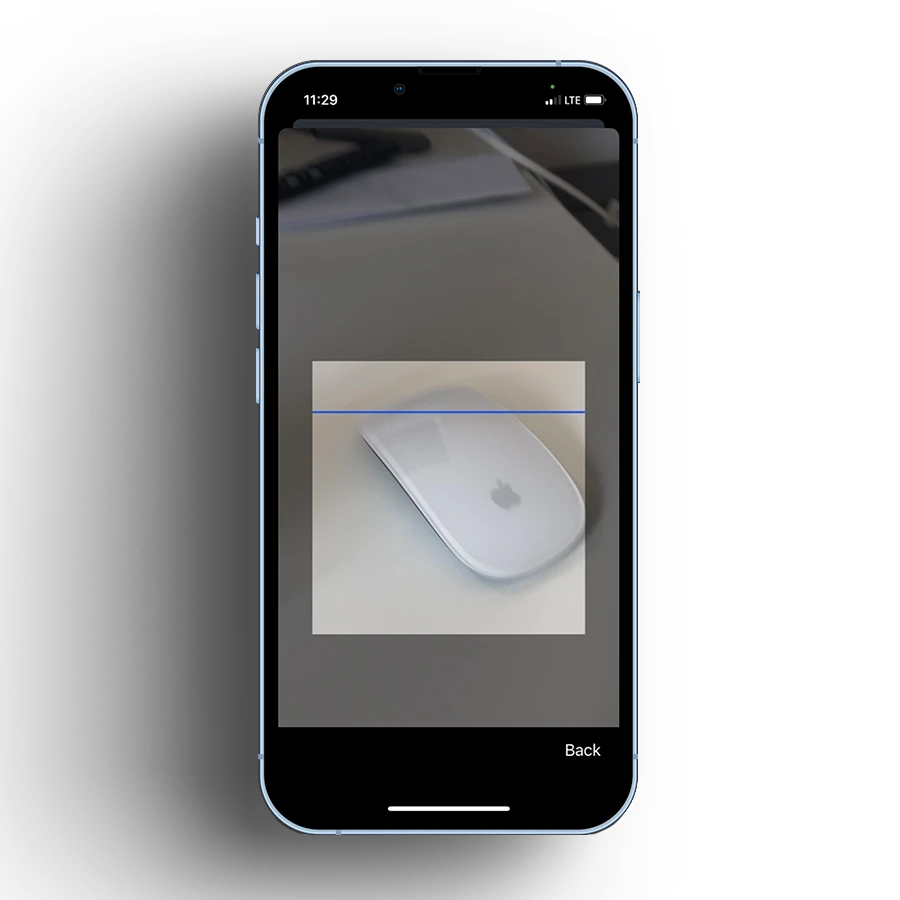
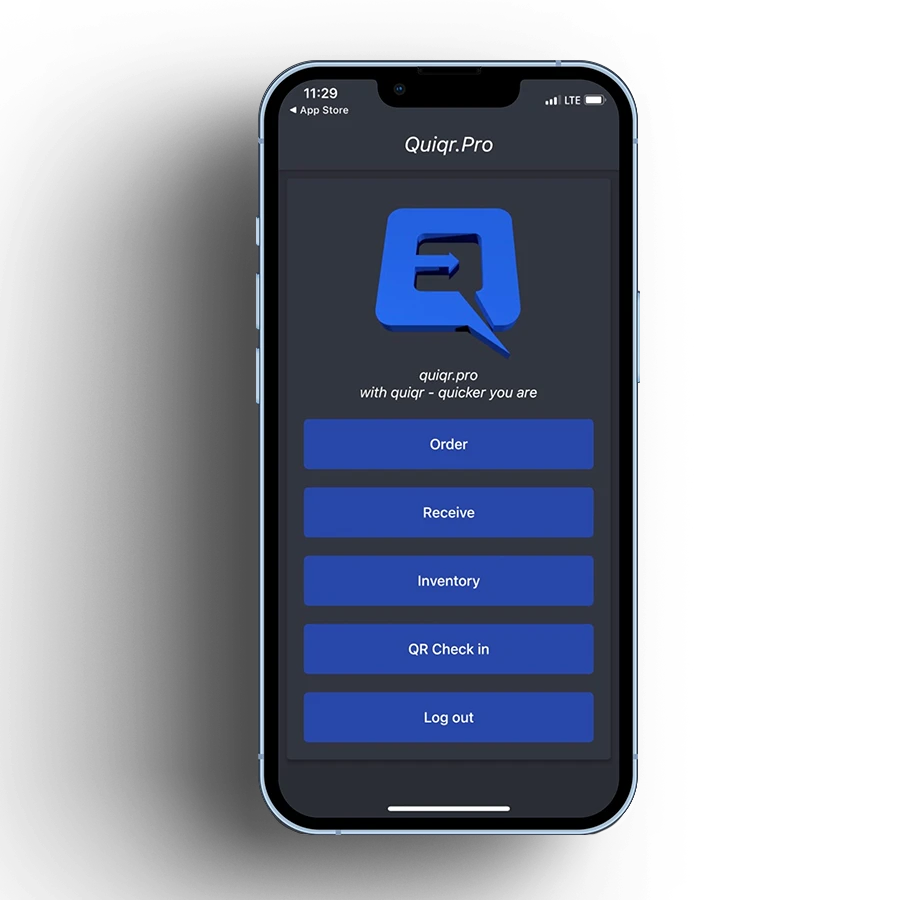
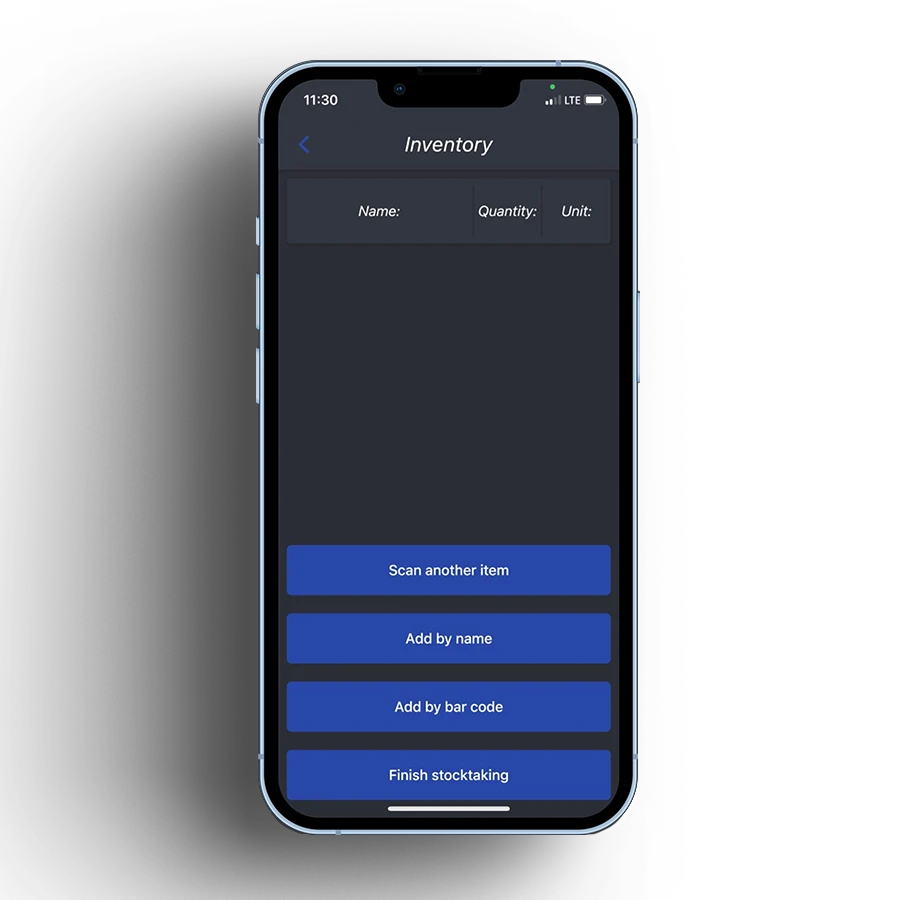
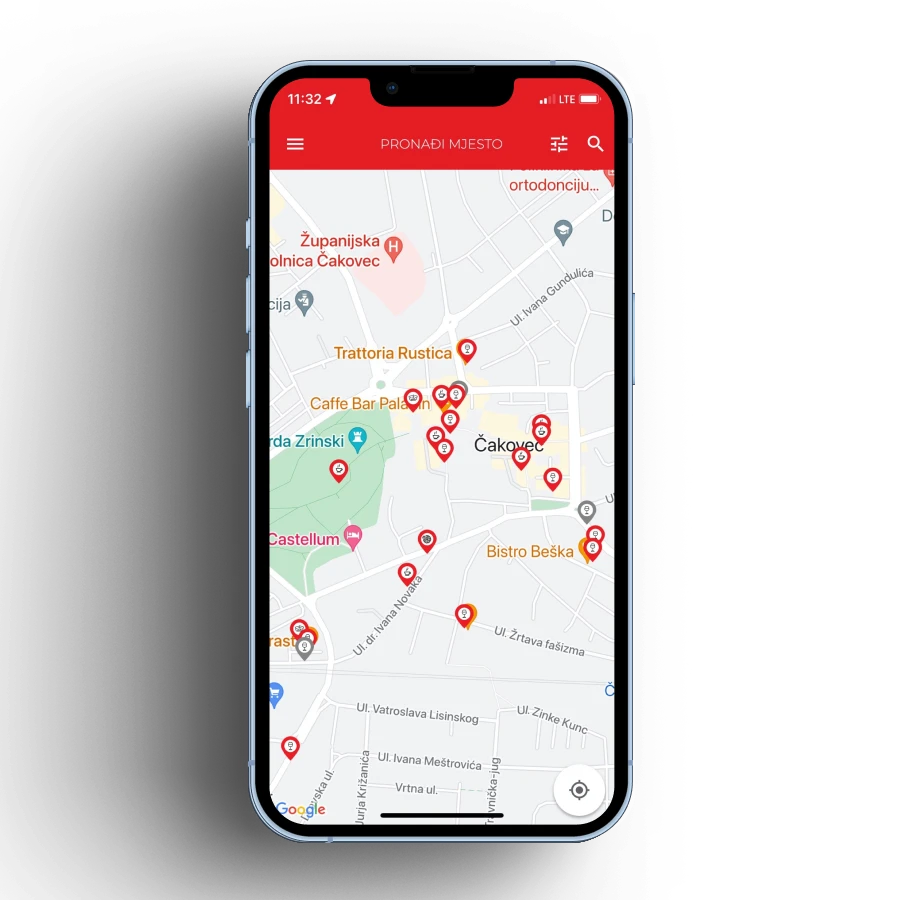
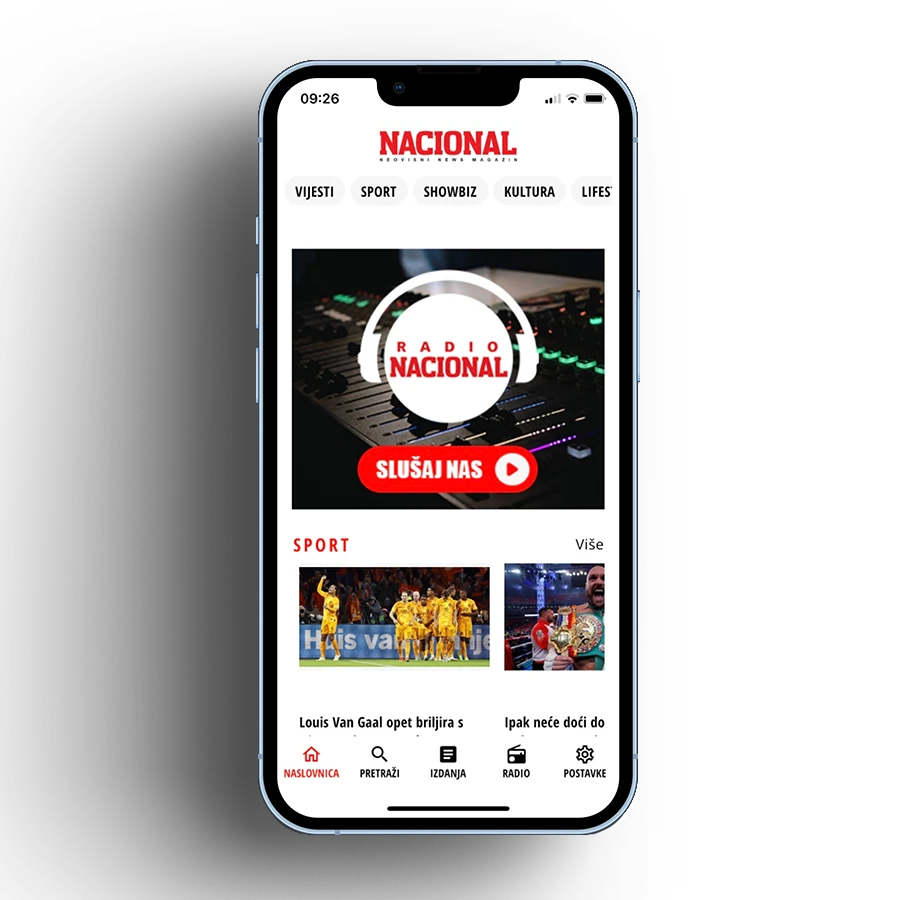
With the vendor rating worth mentioning, we’ll dig a little deeper into the system and touch on the mobile app. The Mobile application is primarily a tool for collecting data in the work team, which later serves to compare items such as the comparison of Purchase Orders and Delivery Notes, review and revaluation of received goods and multimedia content related to the same. For example; the employee has the option to take a picture of the refrigerator thermometer and import the picture into the system if he is not satisfied with what he saw, or take a picture of the delivery note because not all the ordered items were delivered. You can also take a picture of the invoice for further processing and records when picking up the delivered goods, and there is also an indispensable tool for Inventory by scanning the QR code on the warehouse shelf.

We will also list several sections in professional terminology;

  • Merchandise and material bookkeeping according to groups
  • Warehouse organization
  • Minimum and maximum stock
  • QR and barcode scan ordering
  • Follow-up and HACCP / CCP 1
  • Communication between suppliers and customers and vice versa
  • Product codebook
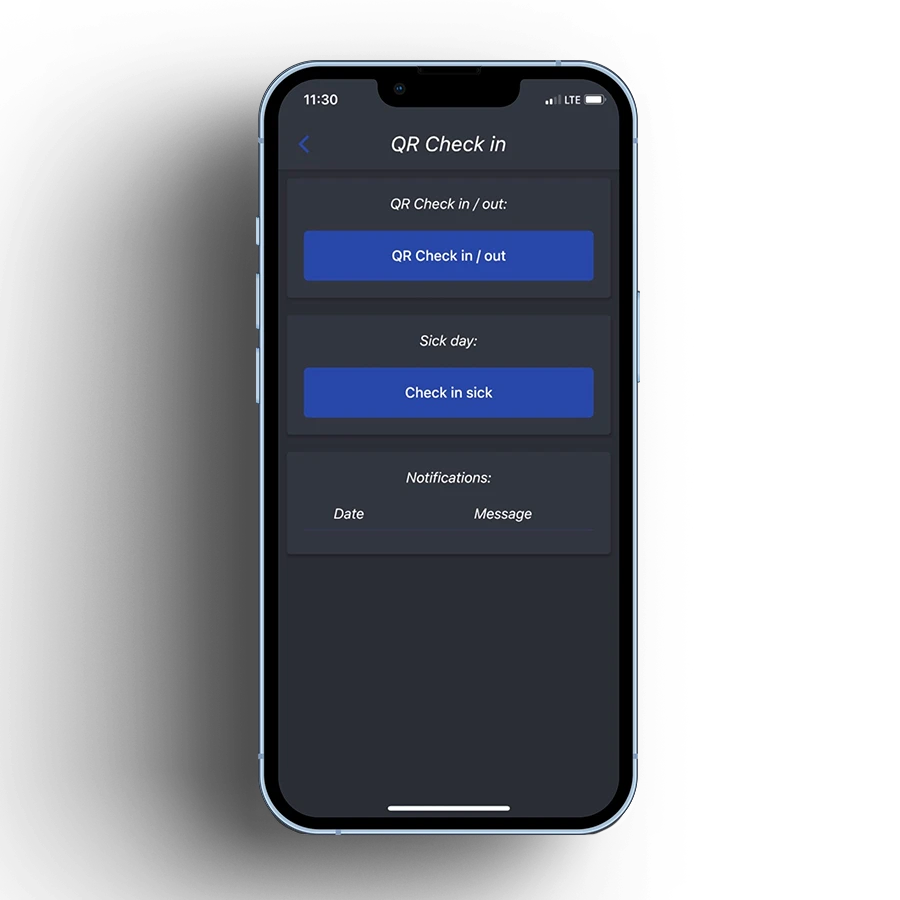
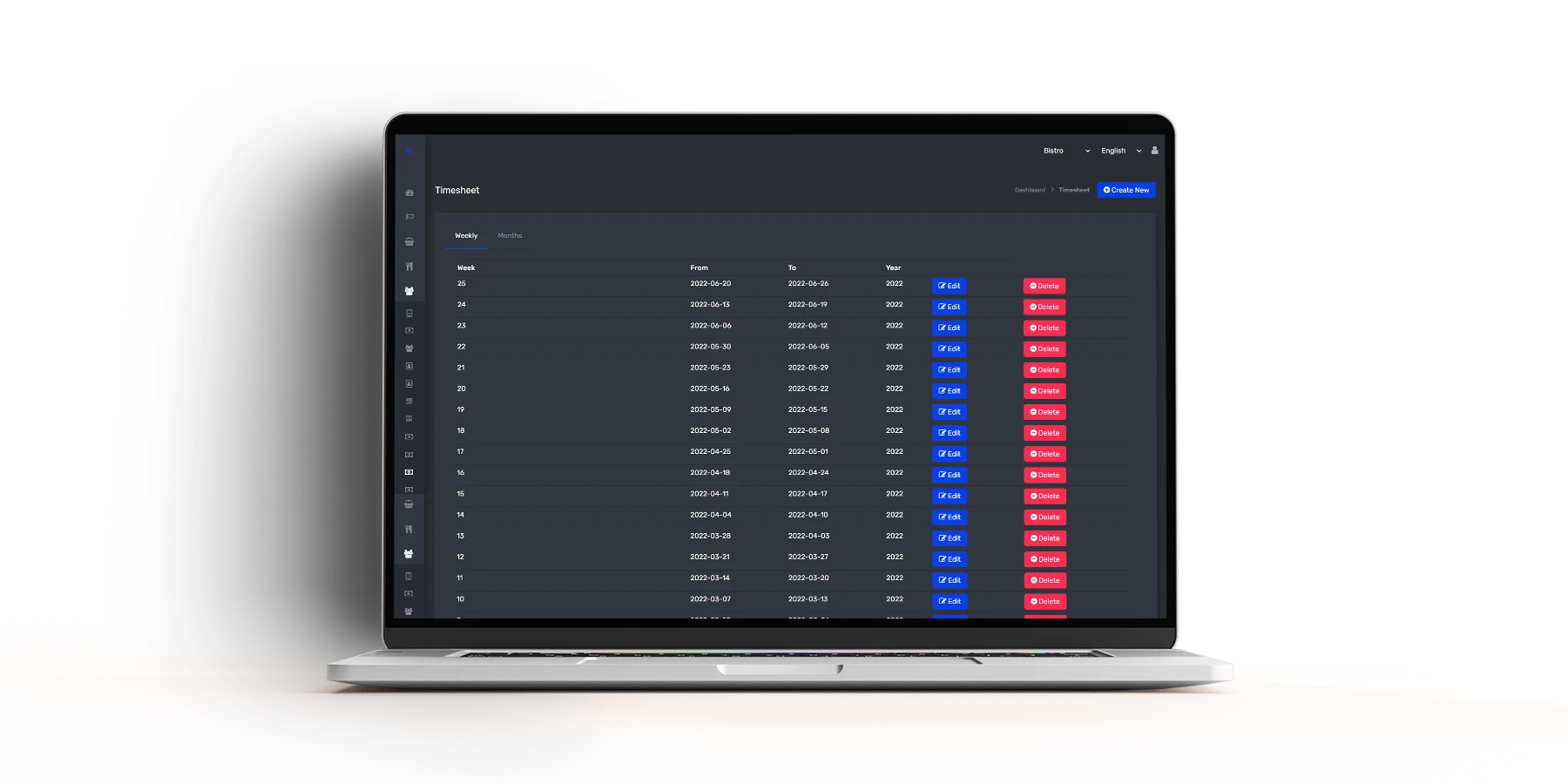
  • Management of employees’ working hours - signing in and out of work, reporting sick leave
  • record of work hours  

And a wide range of functionalities that take this web application out of the domain of web applications and make it a system.

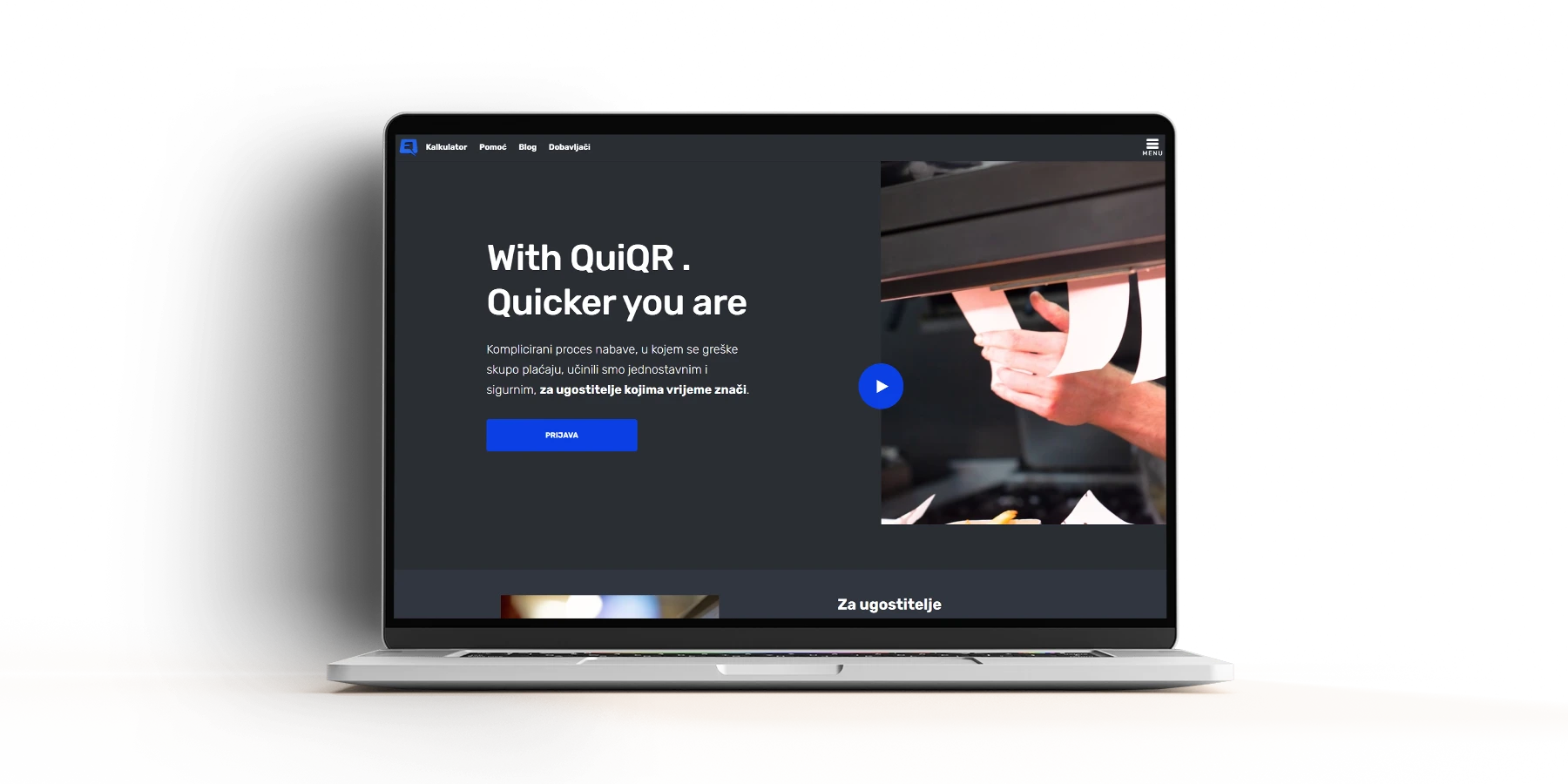
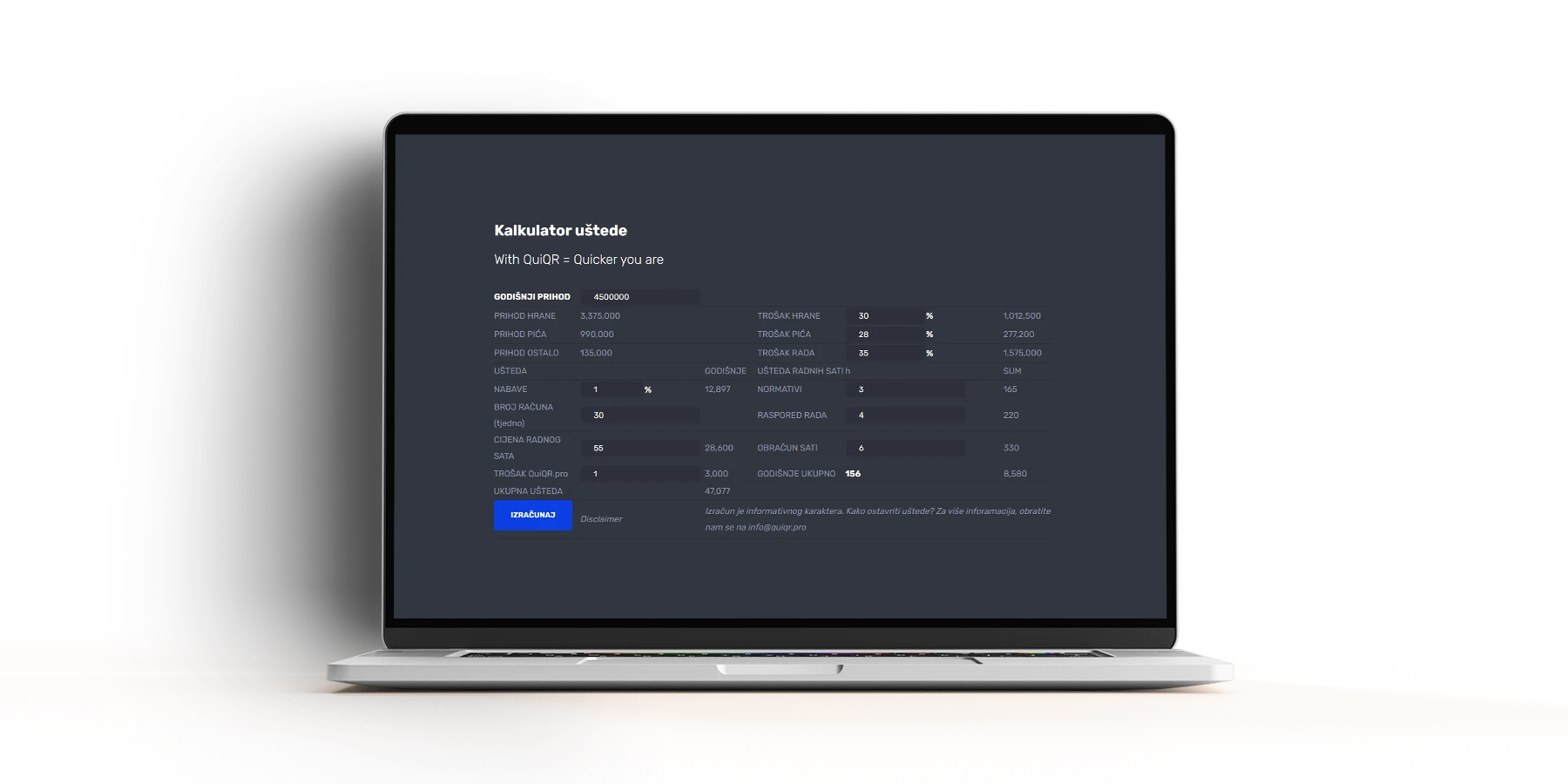
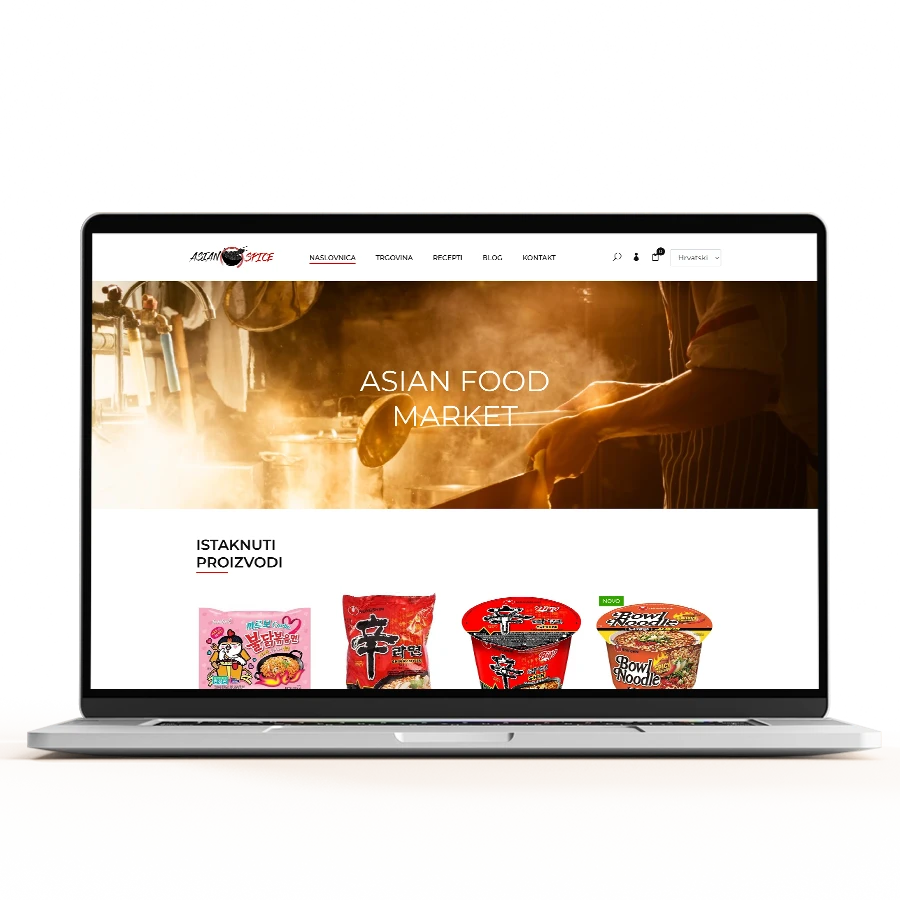
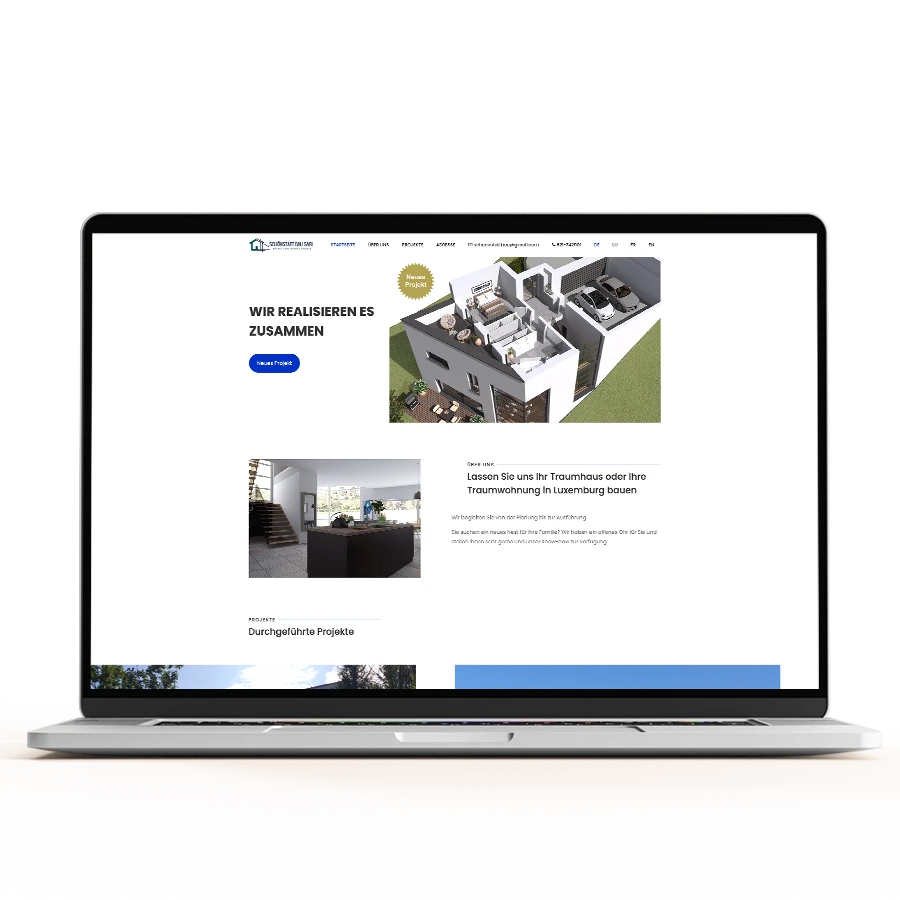
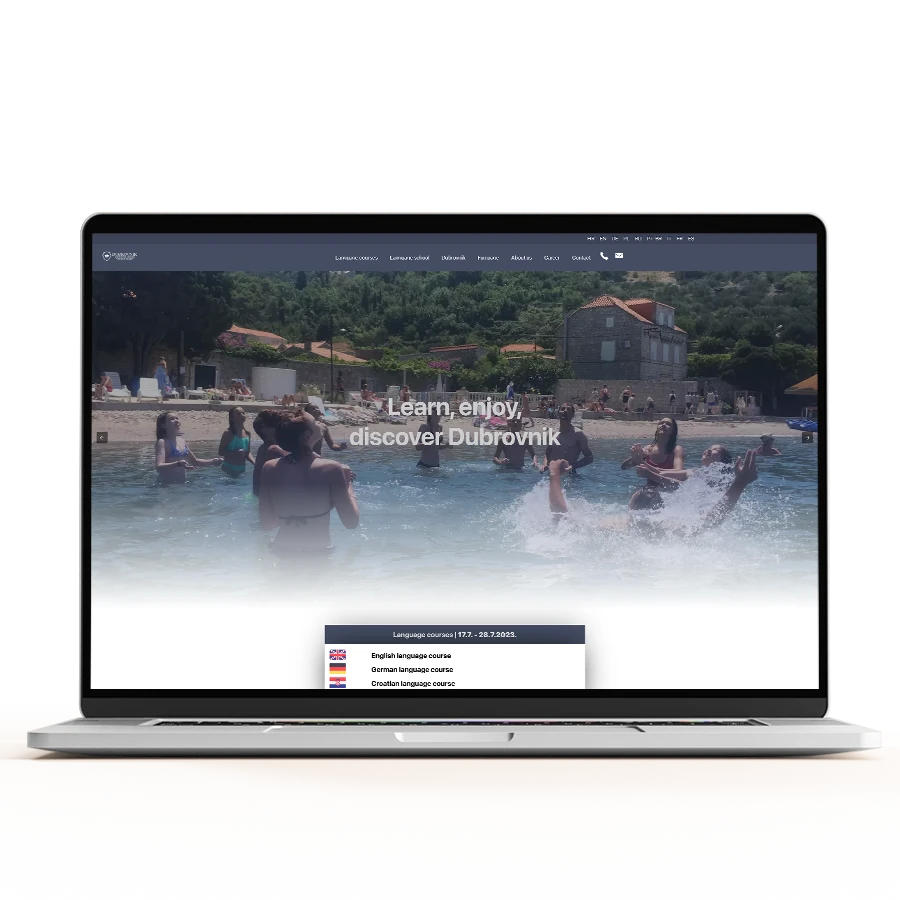
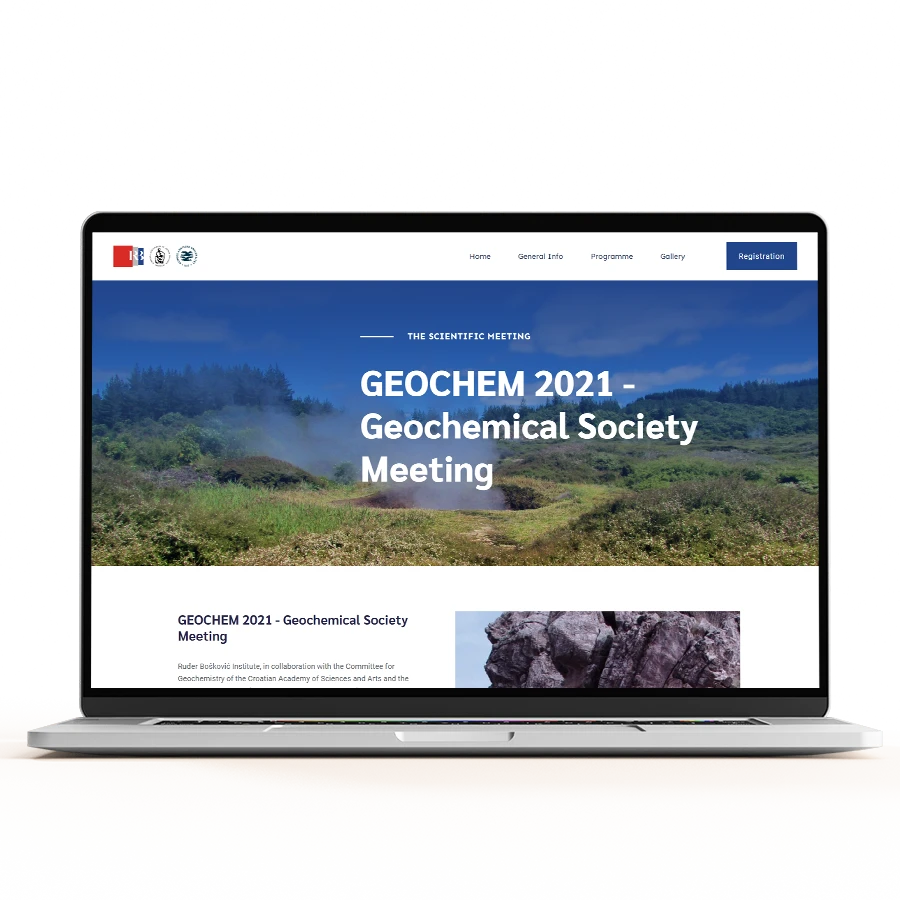
The websites we created are only a small part of the story, but even they have one segment that is different from the others, and that is the calculator to calculate the savings if you are going to use the quiqr.pro system as a caterer

Frequently asked questions

What problem does the Quiqr.pro system actually solve for a restaurant?
It takes the messy parts of running a kitchen (procurement, delivery control, warehouse organization, standards, inventory counts) and puts them in one place. Instead of emailing a dozen suppliers separately, the system turns each recipe into the ingredient quantities you need and sends the orders to all linked suppliers with a single click. So you spend less time on paperwork and ordering, and more time actually running the restaurant.
Why is there both a web application and a mobile app, and what does each one do?
The web application is the brain of the system. That is where stock management, ordering, recipe calculations, supplier comparisons and HACCP follow-up live. The mobile app is the field tool your team uses on the floor and in the warehouse. They photograph the delivery note when items are missing, snap the fridge thermometer reading, capture invoices when goods arrive, and scan QR codes on the shelf during inventory. The photos and data feed straight back into the web application for comparison and records.
How does the supplier ordering and price comparison work?
Every supplier you work with is linked in the system. You can search prices and articles across all of them and let the system order automatically from the best buy supplier. We also put real emphasis on local OPG producers (small family farms) so you can prioritize higher quality ingredients, not just the cheapest line. Orders go out to all the relevant suppliers at once instead of one email at a time.
Does the system help with HACCP and food safety compliance?
Yes. HACCP and critical control point (CCP) follow-up is built in, so you can track standards and the checks that go with them. A practical example is the thermometer photo from the mobile app: if a staff member is not happy with a fridge reading, they photograph it and it lands in the system as a record. That kind of evidence makes inspections and internal audits far less painful.
This was built in Flutter. Does that mean one app runs on both Android and iPhone?
That is the idea behind Flutter, yes. We build one codebase and it runs on both Android and iOS, which keeps the look consistent and the maintenance cost down compared to building two separate native apps. If you are planning something similar, we are happy to talk through whether Flutter is the right fit for your case.
We are not Quivacom. Can you build a custom inventory or ordering system for our business?
Absolutely. Quiqr.pro is a project we built for Quivacom d.o.o. in Zagreb, and it shows the kind of complex logic and connected web plus mobile systems we can put together. If you have a procurement, warehouse or ordering problem that does not fit off-the-shelf software, get in touch and we will scope it around how your operation actually works.

Key Results

Automated ordering
one-click suppliers
Send orders to all vendors instantly
QR inventory
scan & track
Barcode scanning for warehouse
HACCP tracking
compliance monitoring
Standards and critical points
Mobile data collection
photos & notes
Invoices, deliveries, thermometer readings

Technologies

Flutter
Flutter

Projects from the category