
From Paper to Mobile: How KONTO Digitalized Asset Inventory.
Inventory management of fixed assets has always been essential — yet also one of the most demanding operations within any business system. In theory, it’s simple; in practice, it’s often slow, inaccurate, and burdened with paperwork, spreadsheets, and manual data entry.
Field teams collect information, while administration later processes and reconciles it with the database. Every error or delay means a loss of time, resources, and trust in the accuracy of company records.
Out of the need for reliable and real-time asset control, KONTO Mobile OS was developed — a mobile application for Android and iOS that transforms traditional inventory management into a digital, automated, and fully synchronized process.
The application connects the field and the ERP system in real time, enabling easy asset management and automatic data exchange between users and the central database. Thanks to its integration with a CMS, app content can be updated without redeployment, maintaining full consistency with business rules.
The result is the kind of inventory process it should have always been — simple for the user, accurate for the system, and entirely paper-free, eliminating manual entries and waiting for “ERP imports.”
For administrators, this means instant insight into asset status across all locations. For field staff, it means conducting the entire process without paper, laptops, or constant internet access.
The project was developed in close collaboration with the KONTO team, with a clear vision: to create a tool that adapts to the workflow of people in the field — not the other way around.
At the core of the system lies an offline-first architecture, ensuring that the application works reliably even without an internet connection. Data is temporarily stored locally and automatically synchronized once a connection becomes available. This approach achieves complete independence from network conditions — allowing real-time inventory operations even when offline.
The system’s technical foundation combines the Flutter frontend with the KONTO backend, connected through REST API functions and secured by HTTPS protocol and SSL certificates.
All data is exchanged in JSON format, while REST API functions ensure bidirectional integration between the mobile application and the central database.
Security is implemented through a multi-layered user validation system, automatic certificate renewal, and audit logging of all activities.
Every login, update, and synchronization is recorded accurately and transparently, establishing full control over the entire process — from user authentication to the final inventory report.
KONTO Mobile OS is not just an application; it is an extension of the KONTO ecosystem — connected, secure, and always up to date.
The design and user experience follow the philosophy of “minimal touch, maximum efficiency.” The interface is optimized for field use: large buttons, clear labels, and visual indicators allow users to navigate intuitively without additional training.
In a world increasingly driven by data, the KONTO Mobile OS application sets a new standard for digital asset control — a simple, secure, and fully synchronized system that connects people, locations, and data into one unified process.
System Modernization: From Business Process Analysis to Stable Implementation
To ensure that this mobile inventory application truly enhances day-to-day operations, the project began at its most fundamental point — by understanding existing business processes and the real-world challenges faced by field users.
Together with the KONTO team, we analyzed the entire inventory workflow: from retrieving data from the ERP system, through asset identification and scanning, to synchronization and generation of the final report.
The goal was not to “build something new” at any cost, but to modernize the existing architecture and connect it with a new, faster, and more secure mobile experience layer. In other words — not to rebuild, but to improve.
Modernization was achieved through a business system architecture that connects the existing ERP with a mobile application integrated with a CMS, resulting in full digital connectivity without reconstructing the system’s core.
The integration between the CMS and the mobile application ensures that every change in inventory rules or content becomes instantly visible to users in the field.
The new application was designed to be an extension of the existing system — but with an experience that is fluid, intuitive, and fully independent of network conditions.
From Business Analysis to UX Prototype of the Mobile Application
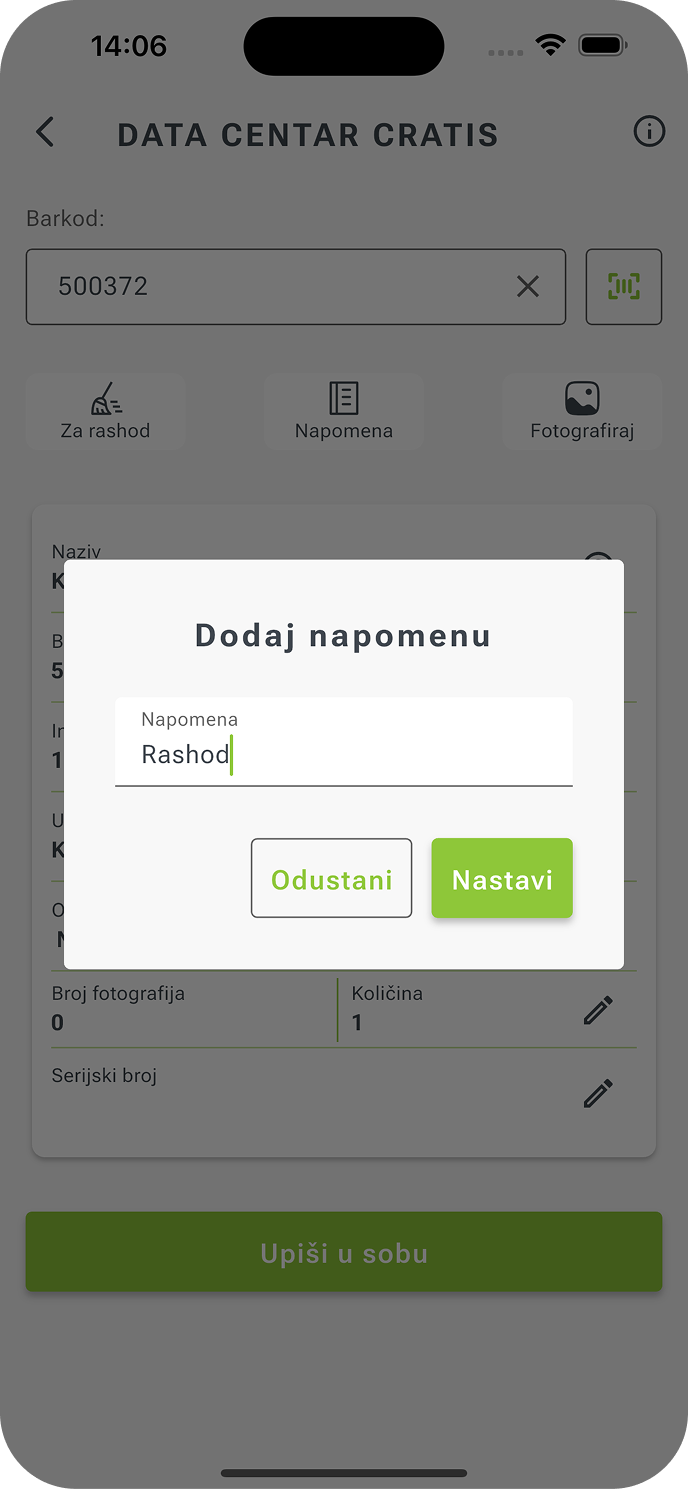
In the first phase of the project, wireframe prototypes were created to simulate the complete user flow: login, location selection, asset search, barcode scanning, quantity entry, and disposal suggestion.
Through focus group testing, we defined the screen logic, element sizing, and action sequence to ensure that key functions were always accessible with a single tap. This level of planning allowed the application — even in its first version — to deliver a UX that truly reflects the rhythm of fieldwork: fast, clear, and free of unnecessary steps.
Modernization was implemented through a business system architecture that connects the existing ERP with a mobile application integrated with a CMS, achieving complete digital connectivity.
The integration between the CMS and the mobile application ensures that every change in inventory rules or content becomes instantly visible to users in the field.
Potential challenges were identified and resolved as early as the design phase, which later accelerated development and reduced the number of implementation corrections. The result: more stable code, shorter testing cycles, and a smoother rollout into production.
Development and Integration with Existing Systems
After the design validation phase, development began with a focus on enhancing the existing digital framework.
The main challenge was to ensure seamless communication between the mobile application and the KONTO ERP system, without the need for manual entry or post-synchronization of data.
The development cycle included:
- Frontend development of the mobile application – optimized for Android and iOS, with a strong focus on mobility and field usability.
- Backend integration with KONTO ERP API services through secure REST API functions, enabling bidirectional data exchange in JSON format.
- The Android and iOS applications with backend integration, built in Flutter, connect to the ERP system via a secure REST layer, while the integration between the CMS and the mobile app ensures that all updates and content are instantly visible to users.
- An offline-first architecture that allows uninterrupted operation even without an internet connection — all data is stored locally and automatically synchronized once the network becomes available.
Every change made in the field is instantly reflected in the database, resulting in an accurate, fast, and transparent inventory process.
Performance and Sustainability Optimization
To ensure the system remains stable, predictable, and ready for future upgrades, three key components were introduced into the development process — forming the foundation of a modern DevOps approach:
- Caching for faster performance and fewer API calls – reducing resource usage and speeding up data rendering even with large datasets.
- Automated testing of every new app version to guarantee stability and compatibility before release.
- A Continuous Deployment (CD) system that enables automatic delivery of new builds without manual deployment or service interruptions.
For administrators, this means faster iteration cycles and shorter response times to changes, while for users it ensures a stable, always up-to-date application that’s ready for use at any time.
Technological Framework and Security Standards of the Solution
The system was developed on an architecture that combines the stability of enterprise solutions with the agility of mobile applications.
Built on Flutter and REST API integration with the KONTO ERP, it enables precise synchronization and future scalability without reconstructing the backend.
Administrators can manage content without redeployment, while the system remains reliable, flexible, and capable of handling thousands of entries.
Flutter – One Foundation, All Devices
By using the Flutter framework, developed for parallel operation on Android and iOS, the project ensures a unified user experience without compromising performance.
The advantages of this approach are numerous:
- Consistent design and performance across all devices.
- Faster rendering and smooth animations, giving users the feel of a truly native interface.
- Shorter development cycles and easier maintenance for future updates.
In applications used across diverse environments — from offices to warehouses and production facilities — visual consistency is not merely an aesthetic choice but a matter of reliability.
Security Layer and Authentication
The protection of business data was established as a core principle of the project. Communication between the mobile application and the ERP system is conducted via encrypted HTTPS/SSL protocols, with automatic certificate renewal.
Even when the application is used outside internal VPN networks, security remains uninterrupted thanks to encryption and verification of every single request.
The multilayered architecture enables:
- Full access control based on user roles,
- Secure storage and transfer of all data,
- Audit traceability of every login, modification, and synchronization,
- The ability to precisely track and analyze every activity through detailed logs.
Cache Mechanism – Speed, Stability, and Offline Operation
One of the most effective enhancements to complex mobile applications is the integration of an intelligent caching mechanism, which temporarily stores data in the device’s local memory.
This delivers three direct advantages:
- Faster app performance and quicker screen loading, as frequently used data is retrieved locally.
- Reduced number of API calls and lower server load, resulting in greater system stability.
- The ability to operate without an internet connection, with automatic synchronization as soon as the connection is restored.
Thanks to a clearly defined synchronization algorithm, the application always knows which data is “fresh” and which require an update.
Automated Testing and Continuous Delivery
To ensure every version of the application is verified before it reaches users, an automated testing system was introduced into the development process.
The tests cover all key functionalities — from login and authentication, through offline operation, to synchronization and data validation.
Built on top of the automated testing layer is a Continuous Deployment (CD) system, which enables the instant delivery of new versions without manual deployments or downtime.
Development thus became iterative and maintainable — every upgrade passes verification, and users always receive the latest, stable app version.
Monitoring Performance and Data-Driven Optimization
Crashlytics and Google Analytics are integrated into the system to monitor performance, errors, and user behavior patterns in real time, allowing for:
- Immediate crash and error tracking,
- Analysis of feature usage frequency,
- Optimization of the interface and performance based on real-world data from the field.
Such a data-driven maintenance approach ensures development based on real needs, not assumptions.
Mobile App Design that Follows Business Logic
In business applications, design does not exist for aesthetics, but for efficiency. When technology is used in operational environments — in a warehouse, an office, or in the field — the interface must be unobtrusive yet perfectly intuitive.
This is why the design of KONTO Mobile OS stems from the real work habits of staff who handle fixed assets every day, strictly adhering to Google Material Design principles and best UX practices for business apps.
UX Logic — Inventory Without Extra Steps
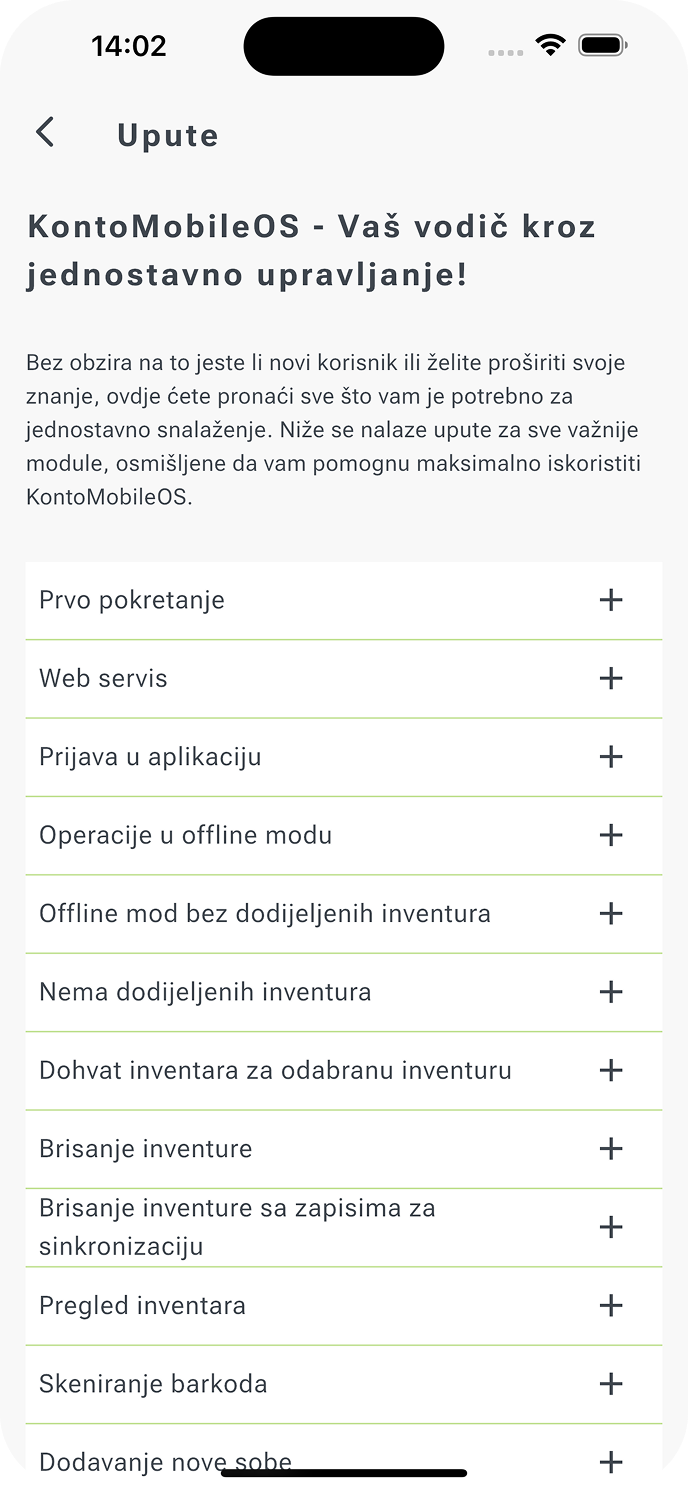
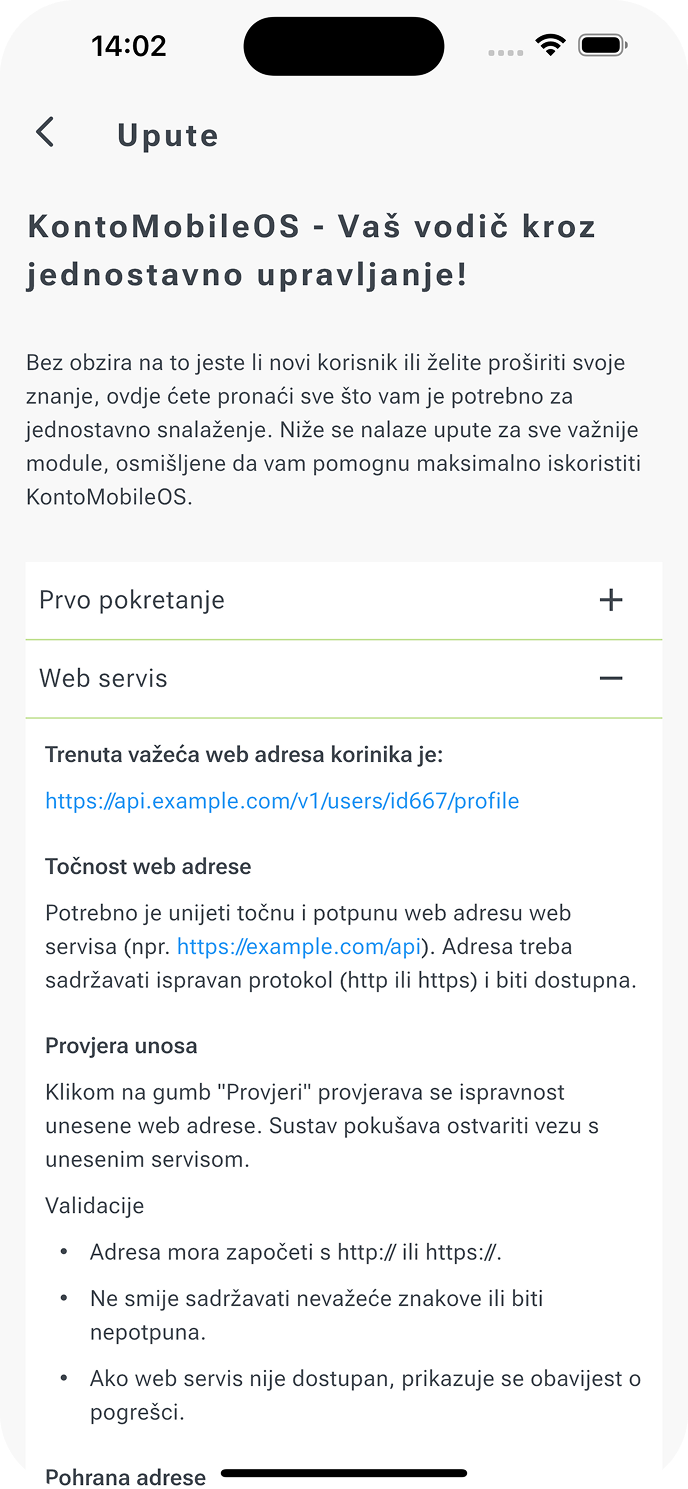
The task was to enable the entire inventory to be completed in a few logical, simple steps — without tutorials, explanations, or unnecessary taps.
This chosen approach defines our mobile app design: functional, clean, and adapted to varied working conditions, where the mobile app must remain equally usable in the office, warehouse, or field.
The app’s UX structure was defined through interactive prototypes built in Figma, tested with real users before development began.
Based on feedback, the workflow, load speed, and placement of key elements were optimized so the user completes tasks in a natural rhythm — without pauses or extra cognitive effort.
The application guides the user clearly and intuitively, responds to every action, and visual feedback always confirms system status — whether it’s a successful entry, synchronization, or temporary offline operation.
Offline status is displayed via a subtle banner indicating the app is currently offline, while an unsent-readings indicator always provides synchronization feedback.
Through these UX signals, the user keeps full focus on the task, without needing to think about the interface itself.
The goal was not to teach the user a new process, but to turn the existing way of working into a digital experience that feels familiar and logical.
UI Design
The visual interface is designed to be professional, clean, and consistent. Colors and typography derive from KONTO’s corporate identity, creating a recognizable yet neutral visual language that doesn’t distract from content.
The interface uses a responsive layout tailored especially for low-light conditions or field work.
Design as an Extension of Functionality
The design of KONTO Mobile OS is not merely visual — it actively contributes to speed, efficiency, and accessibility.
Every transition, animation, and element is optimized to minimize load on both the device and the user.
The interface remembers inventory state, location, and permissions, while card-based layouts and clear contrasts enable work in varied conditions.
We didn’t aim to impress — we aimed to deliver a design that makes the job easier: unobtrusive yet effective.
Values Achieved Through the UX/UI Approach
- Design that adapts to users, not the other way around.
- Optimized flows and responsive performance in all conditions.
- Consistent brand identity that remains flexible.
- An interface that creates an experience, not an obstacle.
Precision, Security, and Uninterrupted Operation
Every organization has moments when precision is measured in seconds, and trust in data becomes the foundation of every next step.
In inventory work, that’s the moment when physical reality must become a number — accurately, securely, and without interruption.
This is why this Android and iOS mobile inventory application was conceived as a digital mechanism that maintains the rhythm of operations: precise, secure, and continuous.
Login and Authentication — A Secure Entry into a Stable System
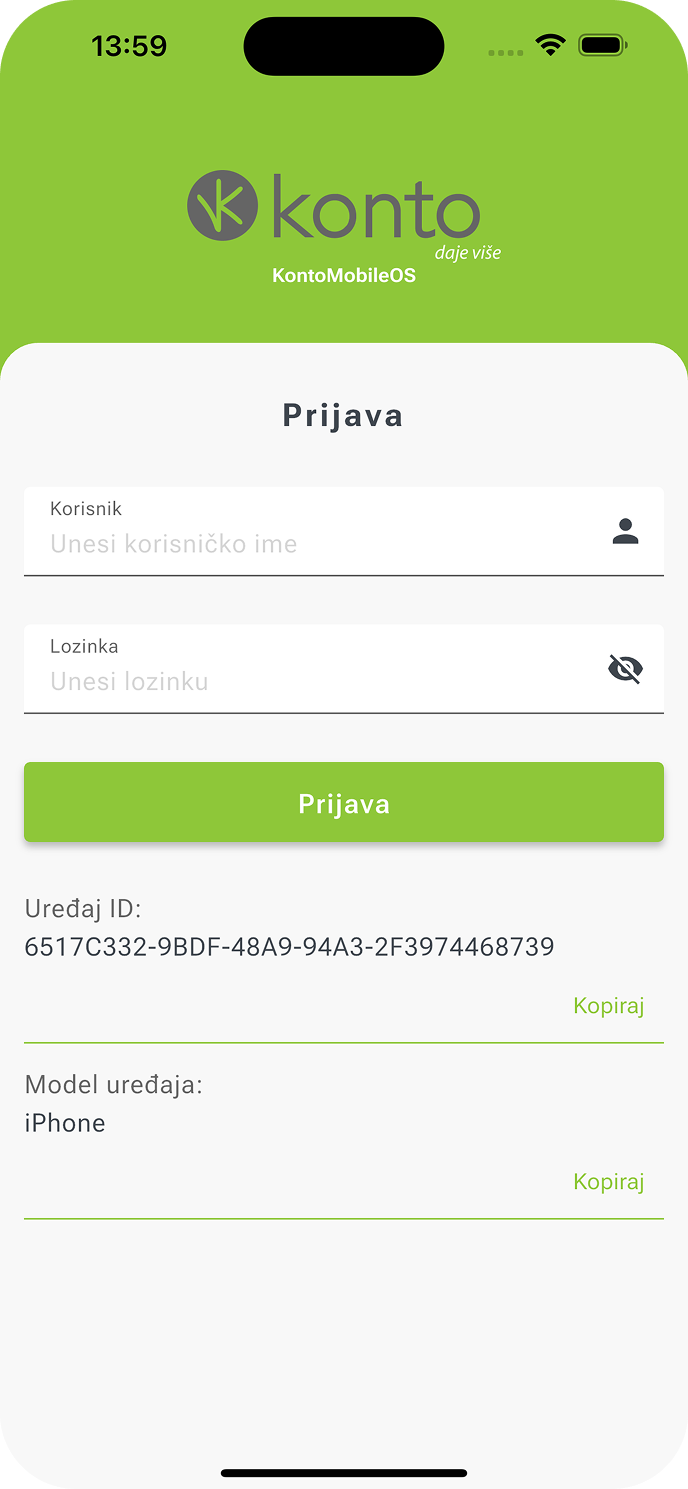
Every digital process begins at a point of trust — the user’s identity. In developing this mobile application, we didn’t want login to be a mere formality; it is the foundation of the entire system’s security and consistency.
Login is fast, secure, and reliable even without an internet connection, and every session carries a unique trace confirming authenticity and time of access.
Only authorized users can access the system, and every action is recorded in the audit log.
Features of this module include:
- Two-factor authentication — identity verification combines a user account and device ID, preventing access misuse.
- Offline access — if the network is unavailable, the app uses locally stored credentials and allows temporary work with limited permissions.
- Secure communication — all data travels through the HTTPS/SSL layer with automatic certificate renewal.
Security becomes invisible yet ever-present — a mechanism that safeguards the rhythm of work without interrupting it.
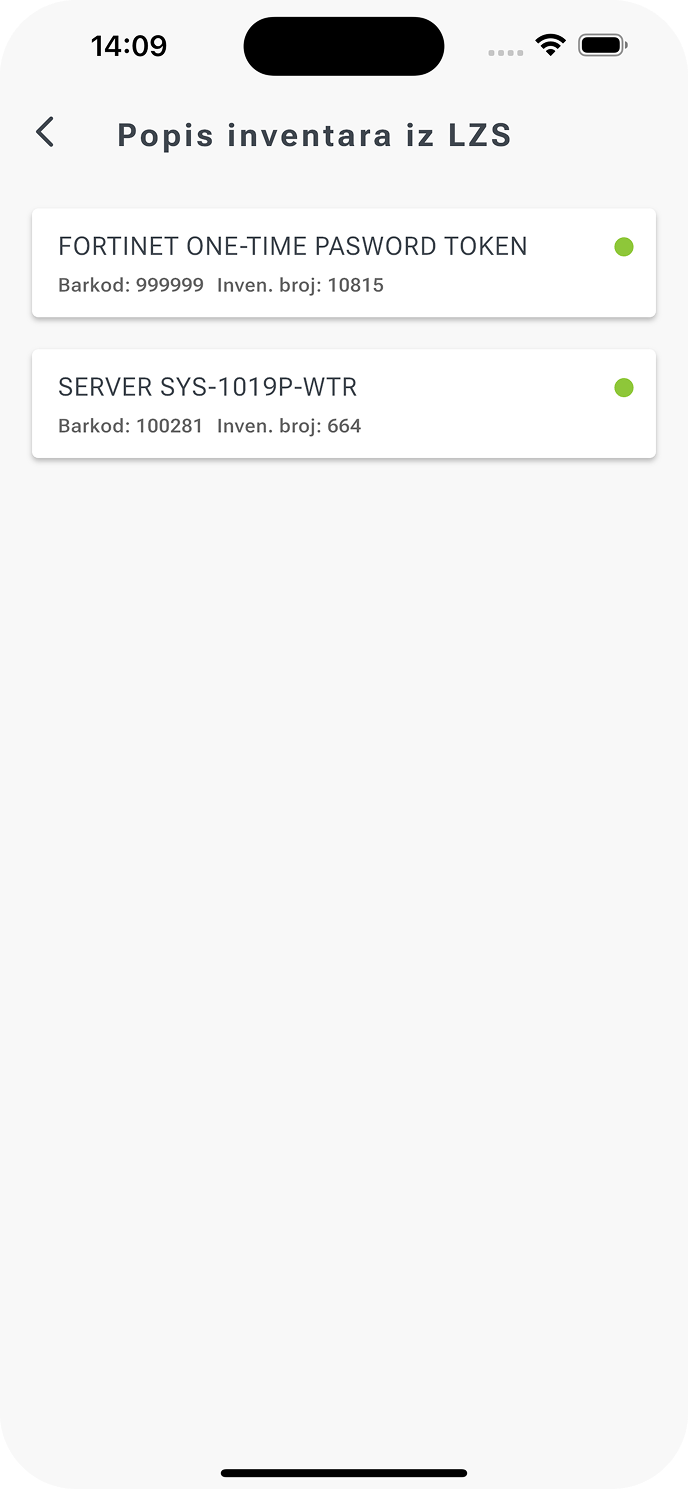
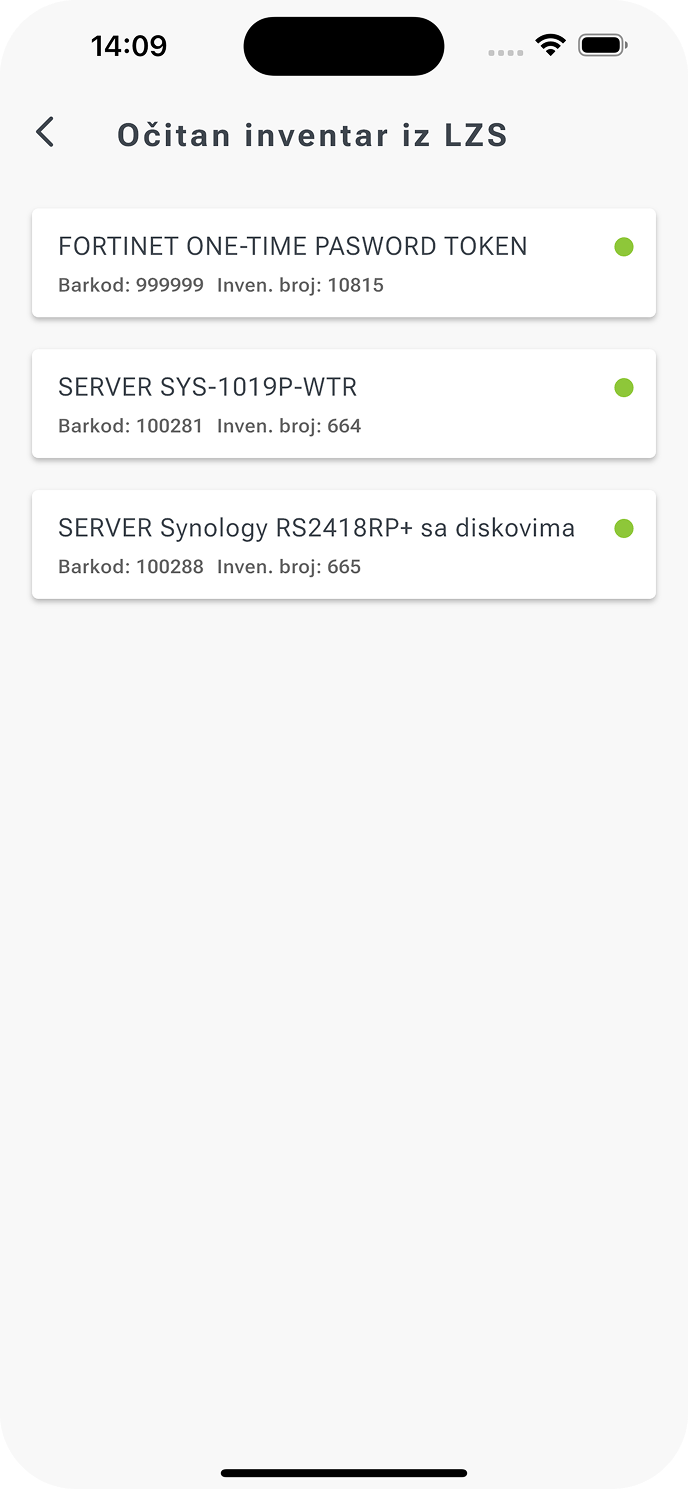
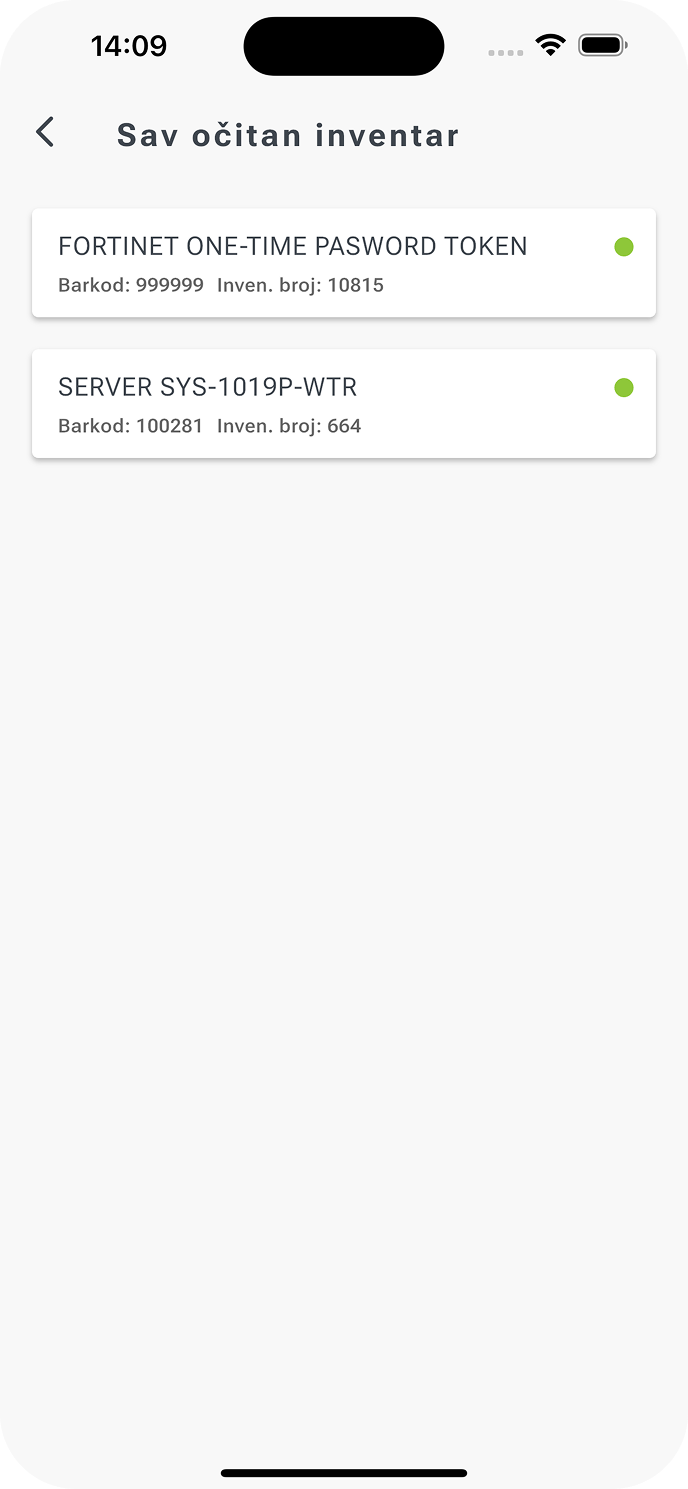
Inventory — The Digital Asset List
The Inventory module in the Android and iOS mobile application enables precise asset recording with real-time synchronization and complete traceability. At the heart of every asset management system lies a simple yet demanding task: identify, record, and confirm every item — accurately, quickly, and without error.
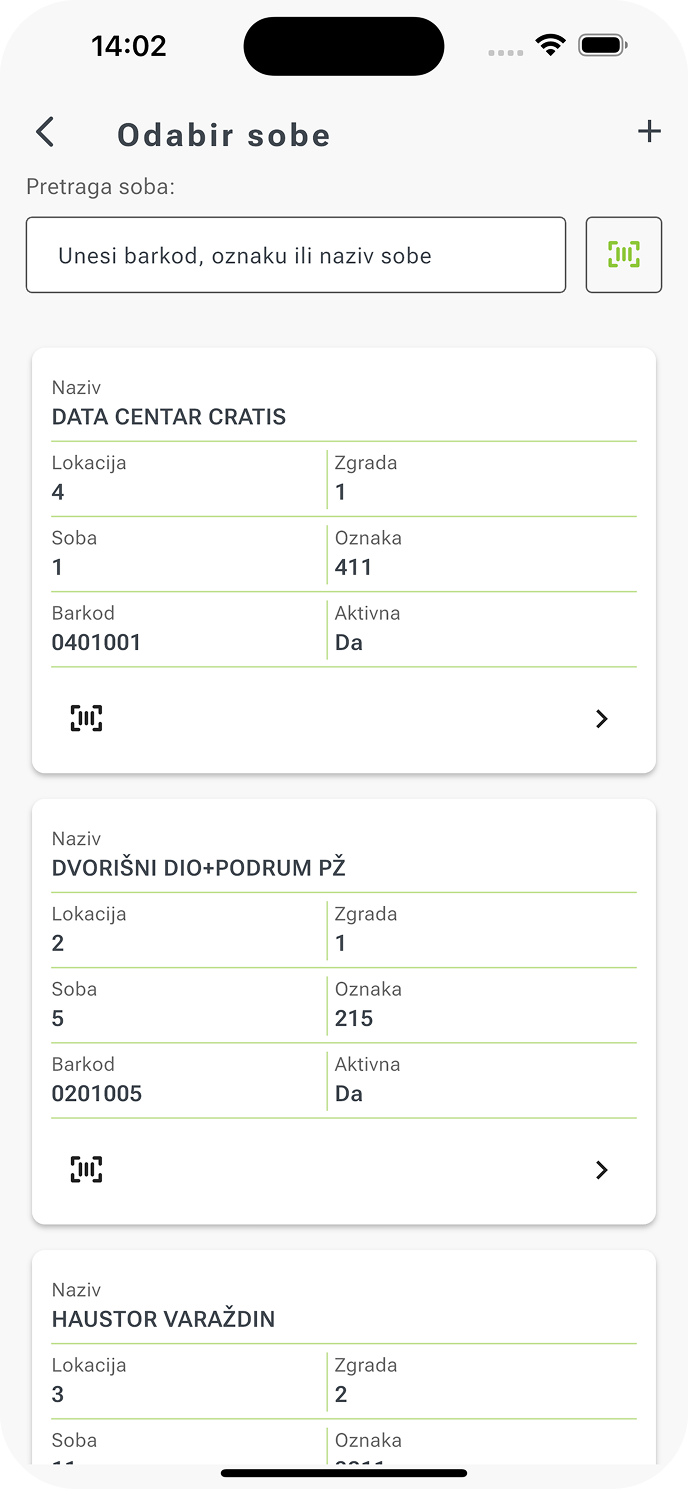
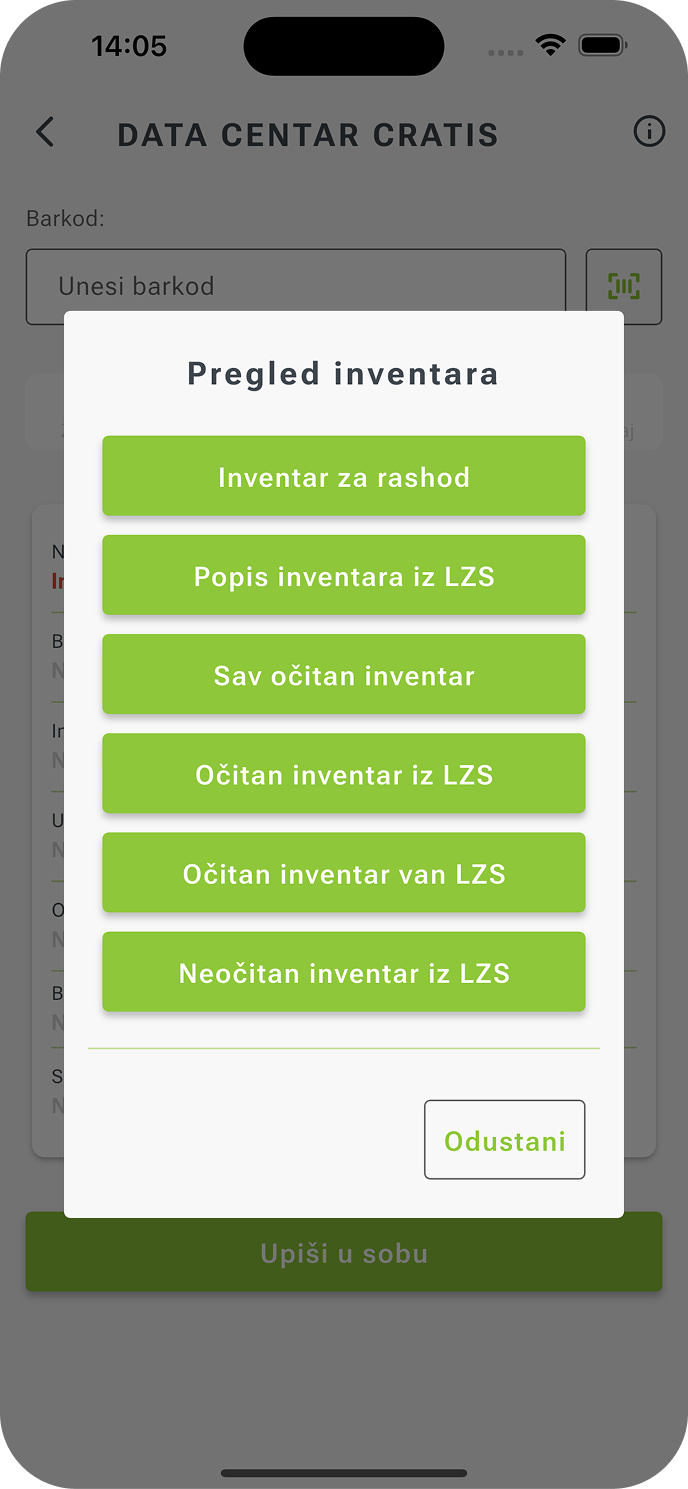
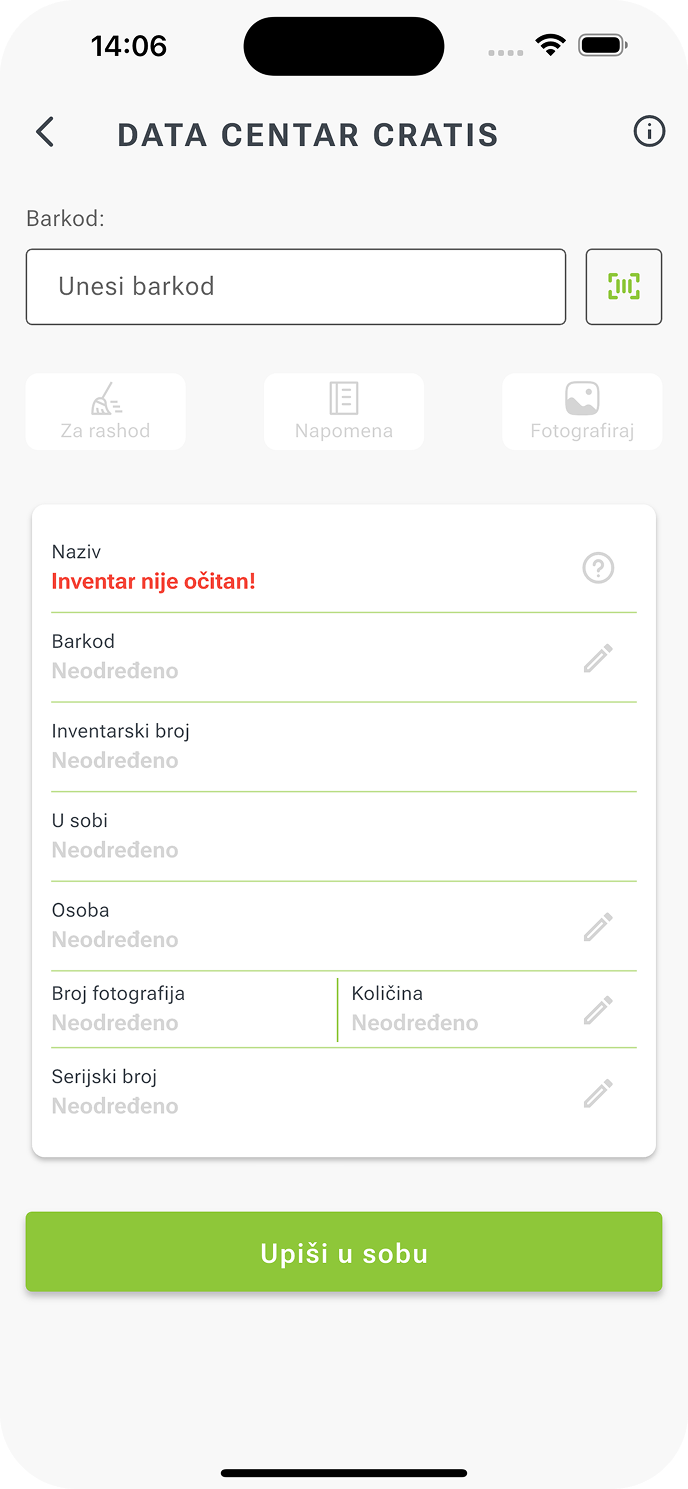
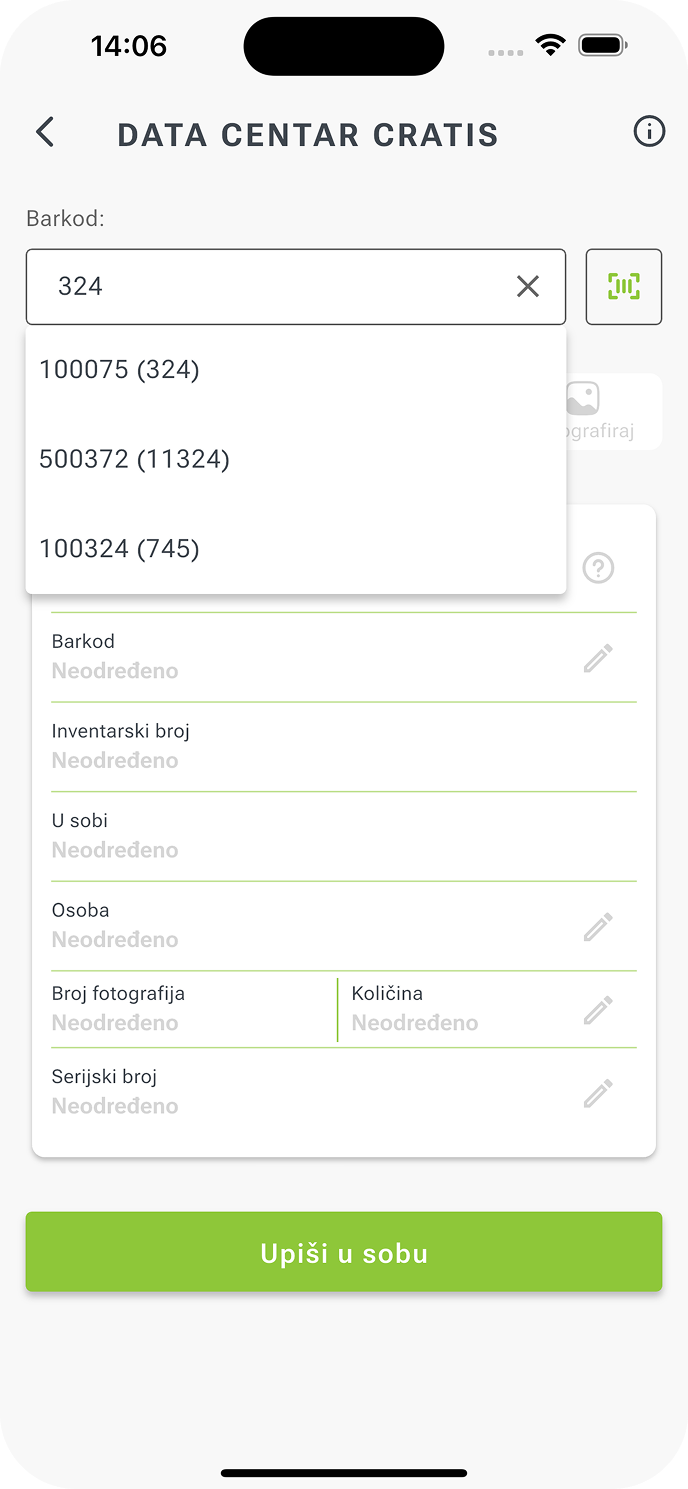
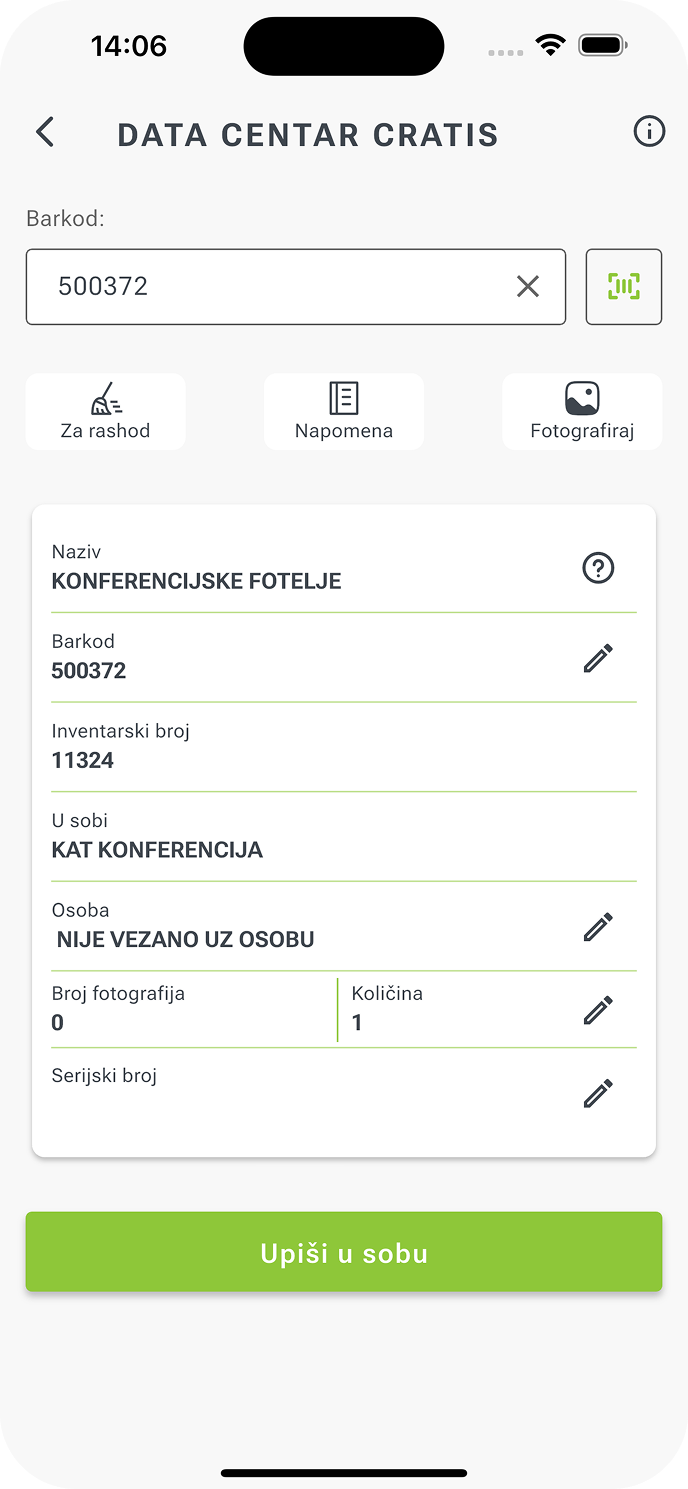
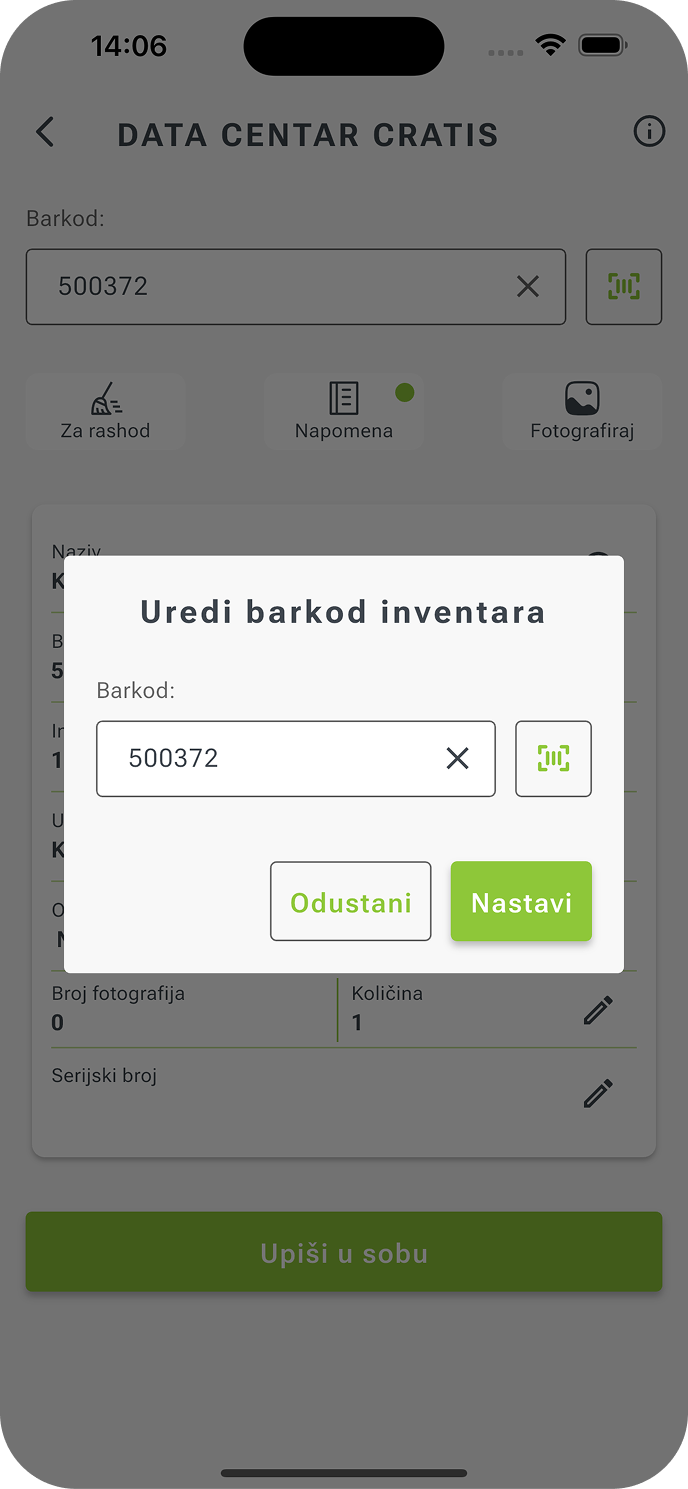
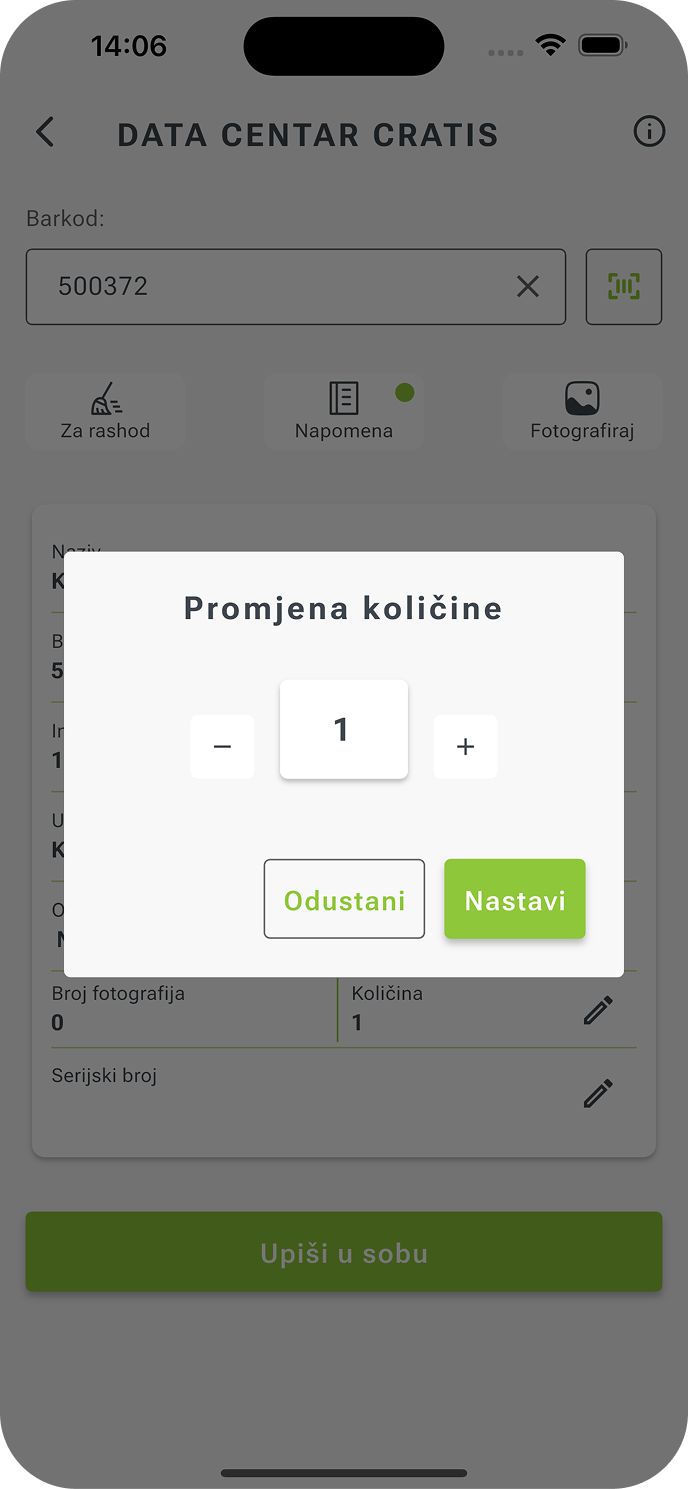
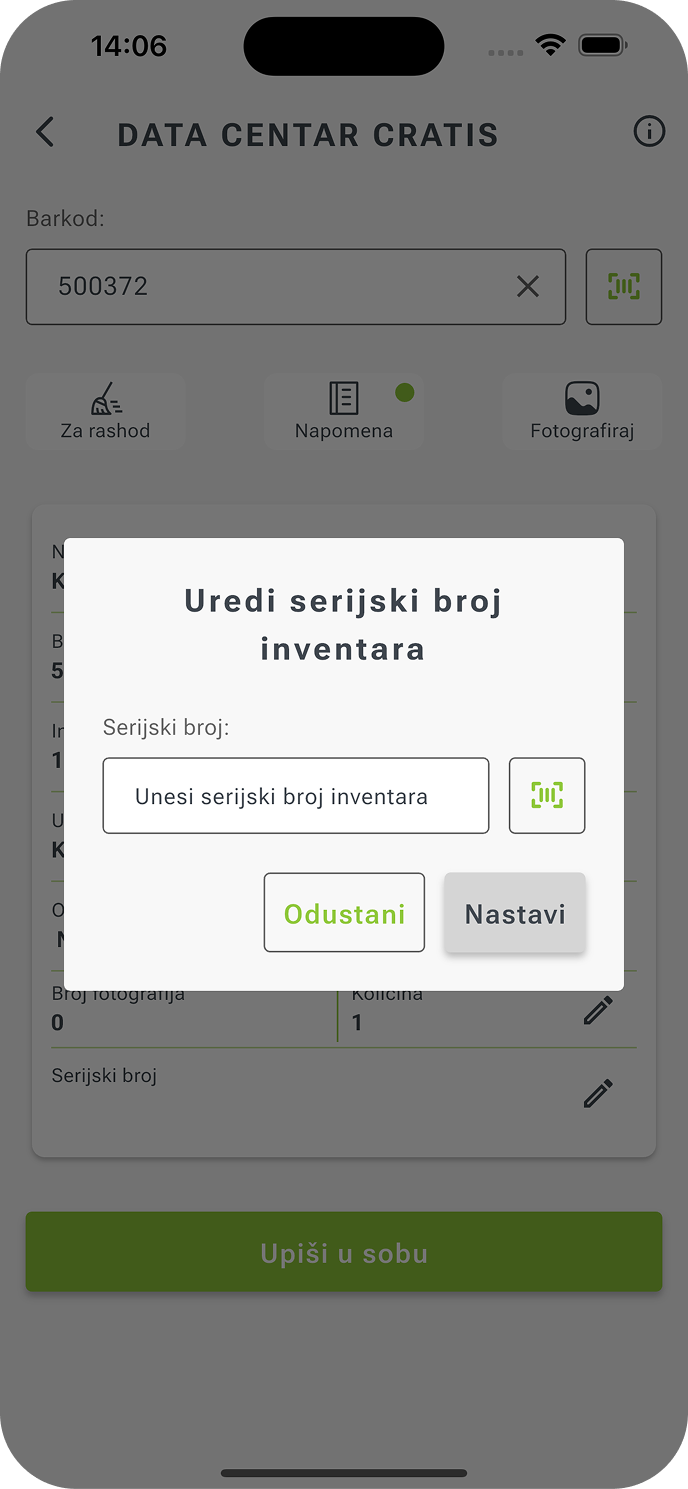
Users can scan the barcode of any area or asset, record its status, add a photo, and enter a serial number or quantity — all within the same flow.
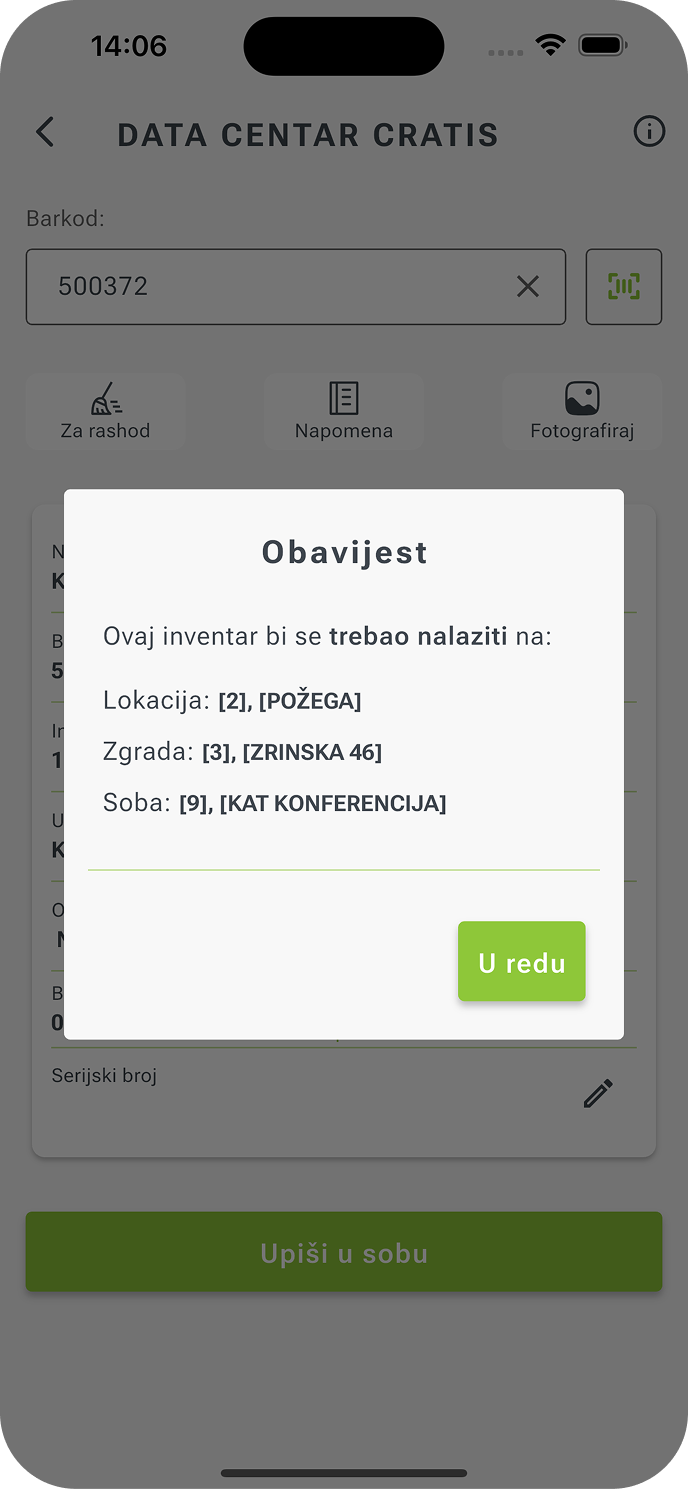
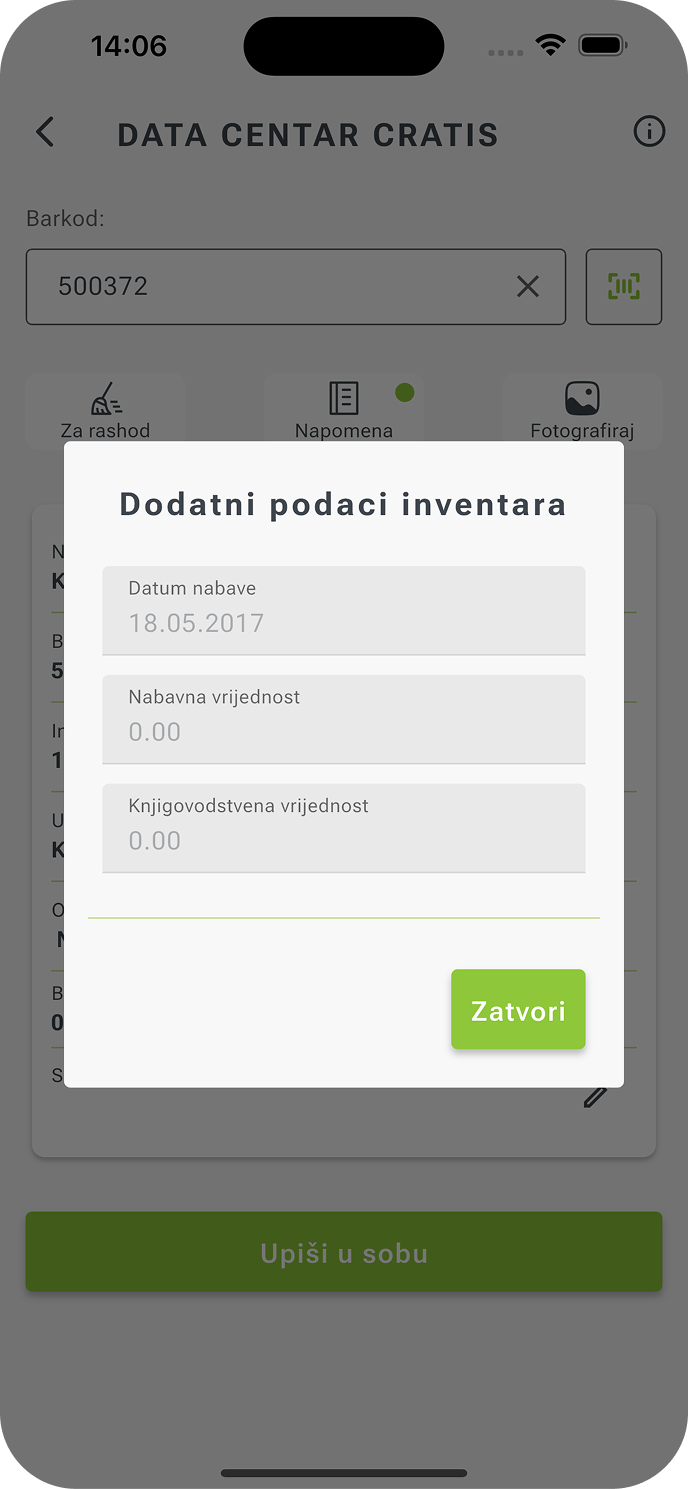
The application automatically attaches a timestamp, user ID, and geolocation so that every item becomes a reliable record. In the background, the system tracks everything — from the moment of entry to confirmation in the ERP.
If the device loses connectivity, the process doesn’t stop: the app switches to offline mode, stores all readings locally, and automatically synchronizes them as soon as the connection is restored.
Inventory module features:
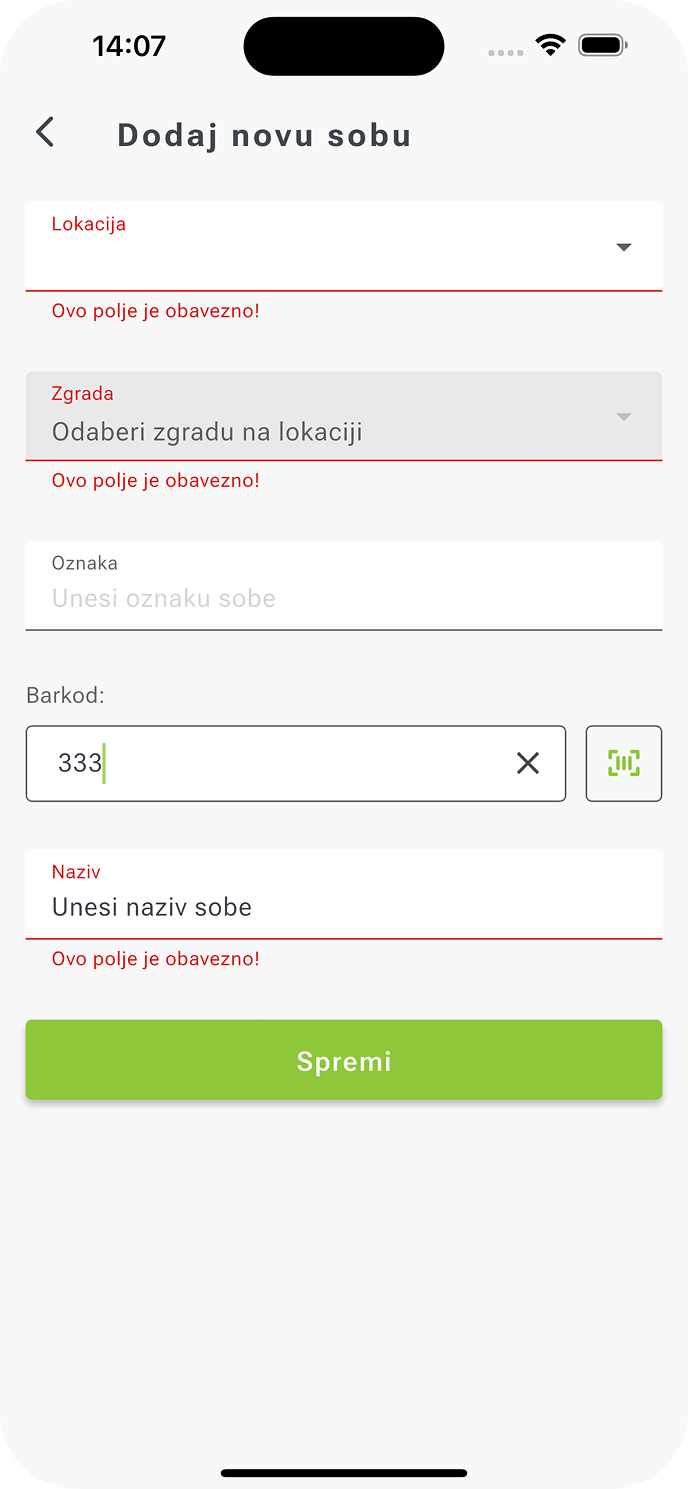
- Hierarchical location structure — work aligned with real business models: location → building → room.
- Smart scanning — area and item barcodes are read via camera or an integrated scanner.
- Automatic metadata logging — every entry includes date, time, user, and location.
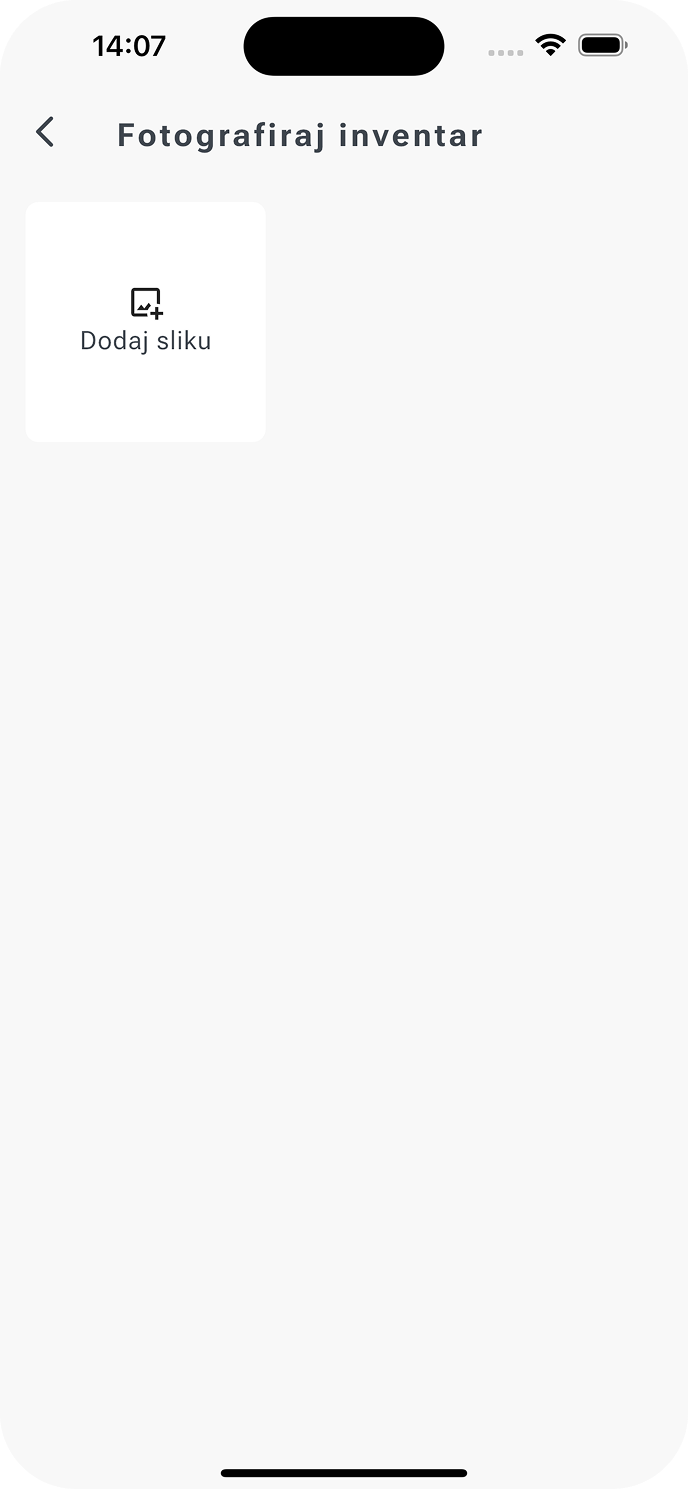
- Visual documentation — the option to add a photo for each asset for control and proof of condition.
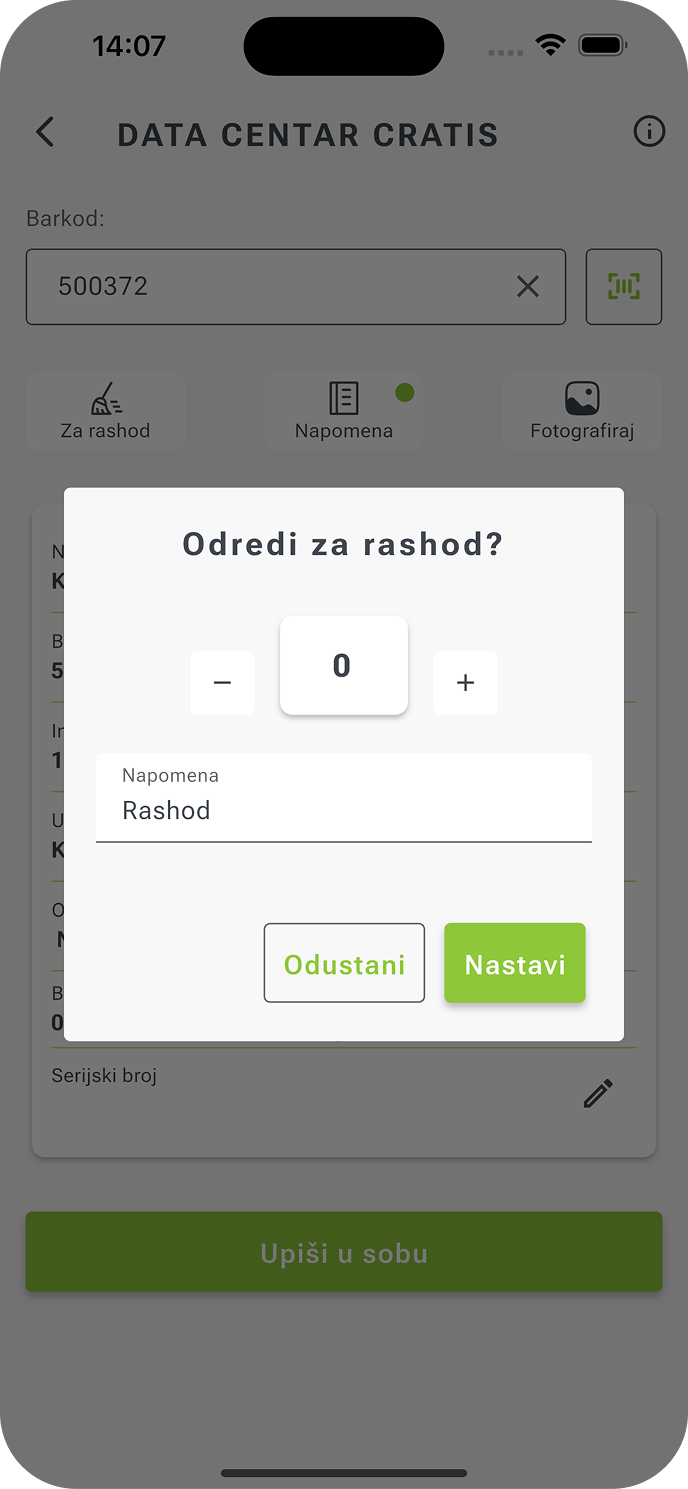
- State and status — quick asset tagging (active, damaged, for disposal).
- Offline-first operation — data is stored locally and synchronized once the network is available.
Ultimately, inventory ceases to be an administrative burden and becomes a tool that provides a clear, measurable, and complete picture of assets.
Integration with the ERP System and API Functions
Integration with the existing KONTO ERP system is not a separate module, but the central artery through which the entire inventory process flows — from preparing lists to confirming entries.
The system’s backend and frontend are connected via a secure REST API layer, enabling real-time, bidirectional data exchange.
When a field worker records an item, the change is available in the ERP almost instantly. The reverse is also true — any new data or update in the administrative system is immediately reflected in the mobile application.
This creates full synchronization of business reality: all participants see the same information at the same time, without manual transfers or waiting.
Data passes through security checks, access-rights validations, and business rules, ensuring that only correct and complete information enters the system.
The backend recognizes and resolves possible conflicts (e.g., when two people enter data for the same item simultaneously) and automatically selects the valid version according to predefined rules.
If the application is operating offline, the integration layer acts as a “buffer” between the user and the ERP: all changes are stored locally, and the API automatically reconciles them when the network is restored.
The process is seamless — the user simply continues working, while the system handles synchronization, confirmation, and writing to the central database in the background.
Data travels along a single path, without bottlenecks or duplicates; backend and frontend become parts of a single whole.
Offline-First Architecture and Caching
In field operations, networks are rarely perfect. Signals drop, connections fail — but work must continue. Offline-first architecture is the right answer — a concept that treats lack of internet as a normal working scenario, not an exception.
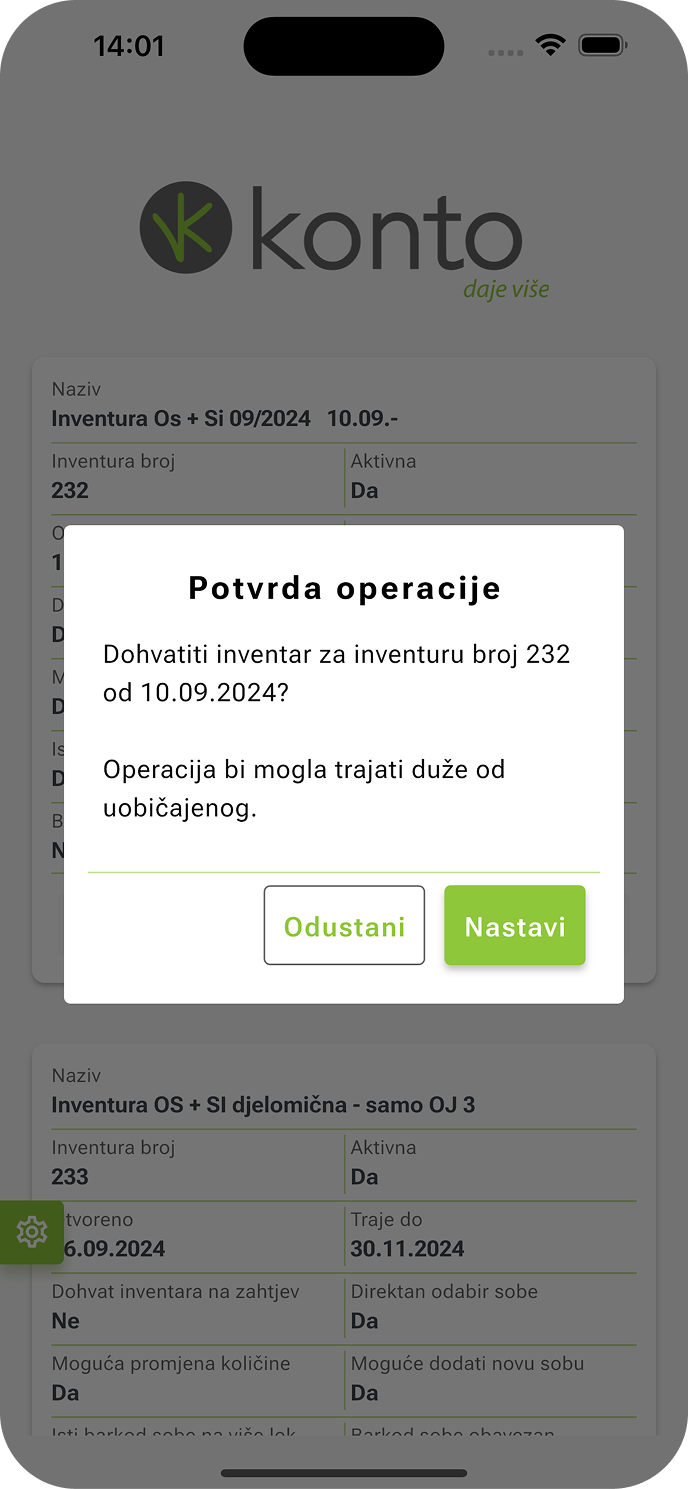
The app is built so that all essential functions remain available even when connectivity is temporarily unavailable. The Android and iOS app connected to the backend uses caching and outbox mechanisms to ensure stability and synchronization even when offline.
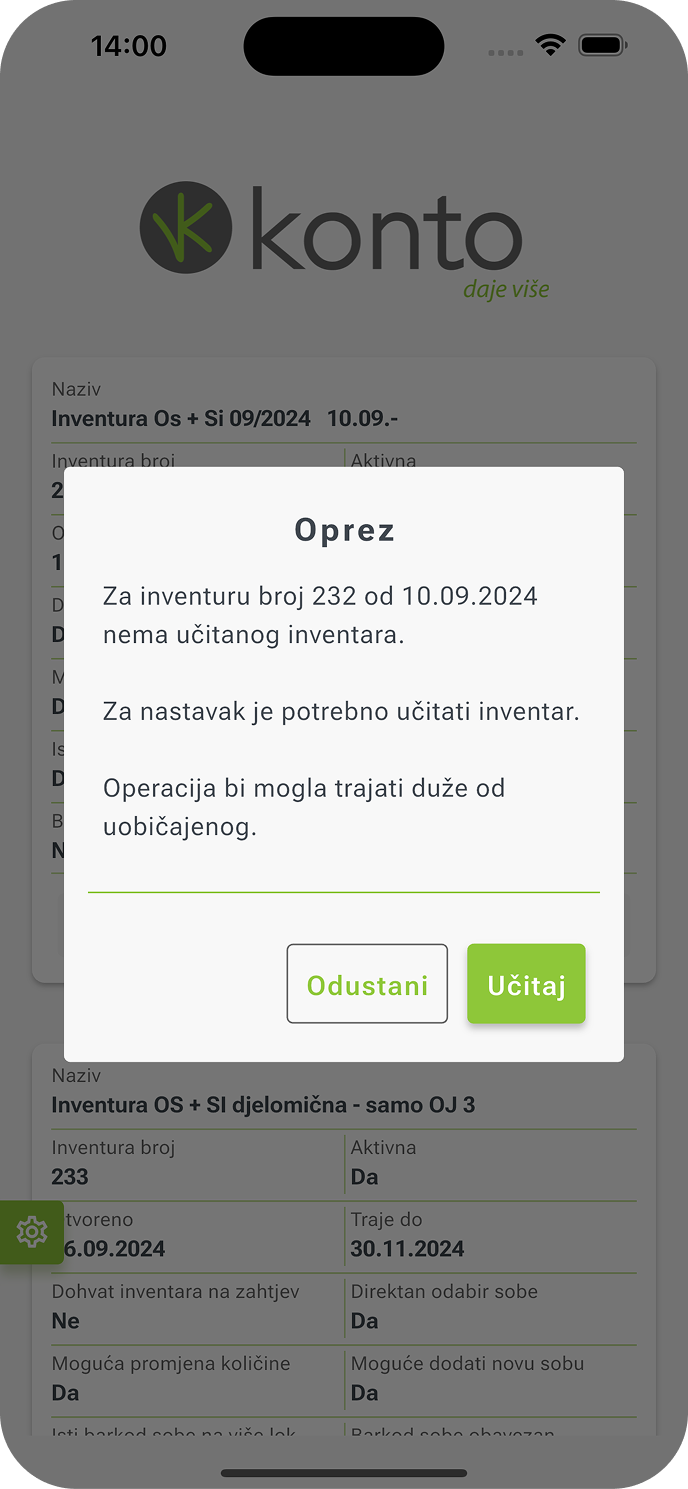
In the background, the system uses an intelligent cache that stores all relevant data locally: inventory lists, locations, rooms, and user settings. Users don’t have to wait for loading, and every change is recorded locally while the app quietly waits for connectivity to resume.
As soon as the network is available, data synchronizes automatically — without manual steps, confirmations, or re-entry.
Thanks to careful cache optimization, the app further recognizes which data is current and which needs refreshing.
Advantages of the offline-first architecture:
- Operation without internet — all essential data is available locally; changes are saved and await synchronization.
- Smart caching — frequently used information (inventory, rooms, users) is stored to reduce load times.
- Reduced network load — fewer API calls and better traffic optimization.
- Automatic synchronization — as soon as the network is back, the system transfers all changes to the ERP.
- Uninterrupted work — users continue inventory regardless of location, signal, or infrastructure.
Administration and Access Control
In digital systems that connect dozens of locations and hundreds of users, access control becomes the foundation of trust. Administration in this mobile application, integrated with content administration, was designed as a transparent and precise rights-management mechanism, not a hidden technical layer.
Each user sees exactly what they are permitted to see — achieving simplicity for staff and security for management.
System administrators can fully configure permissions by roles, locations, and inventory types.
At any time, the application recognizes active and inactive inventories, clearly marks them, and prevents work in outdated sessions.
Statuses are visually prominent and easy to interpret: active locations appear in standard corporate colors, while inactive ones are marked in red — a discreet yet clear signal that the inventory is closed or finalized. This significantly reduces the risk of erroneous entries and preserves process integrity.
Administration module features:
- Granular access rights — define user roles by location, site, and inventory.
- Dynamic administration — changes can be applied in real time, without redeploying the app.
- Automatic status recognition — active and inactive inventories are clearly distinguished visually.
- Centralized management — all users, rights, and statuses are synchronized with the ERP.
- Error prevention — the system blocks work in closed or outdated inventories.
This level of control gives organizations a peace of mind that isn’t seen, but is felt at every step. Administrators can manage the system without complex procedures, while users can fully focus on their tasks.
Status Tracking and Synchronization
When using a system that connects hundreds of users, locations, and devices, every synchronization must be reliable, predictable, and measurable.
When designing the architecture, we were guided by the principle that synchronization is not a technical detail, but a mechanism of trust.
Users know each piece of data is securely stored; administration knows reports are accurate; management has real insight into asset status without delay.
Thus, the system achieves what every organization seeks: real-time, reliable inventory with full traceability and no lost records.
Synchronization mechanism features:
- Continuous status visibility — synchronization indicators and the number of unsent records are always displayed in the interface.
- Automatic retries — the system detects failed transfers and retries them, with the option for users to manually trigger synchronization.
- Process transparency — all data is confirmed.
- Feedback to the user — the system clearly communicates synchronization status, reducing uncertainty and support needs.
Results and Business Value
By digitizing inventory with this mobile inventory application, we achieved what every organization seeks: less operational burden, more control, and complete data accuracy.
But the value of the project isn’t measured only in seconds saved — it’s seen in the change of working methods. KONTO Mobile OS didn’t replace existing processes; it improved, simplified, and made them transparent.
Inventory has thus ceased to be an occasional obligation and has become a continuous process that lives alongside the business.
Faster Inventory and Fewer Errors
By developing this kind of mobile application — connected to the backend via a REST API — the average time to complete inventory was reduced, and the number of manual entries was almost entirely eliminated.
Every reading contains a timestamp, location, and user identity, making the process measurable and audit-verifiable.
All data is synchronized immediately with the ERP system, meaning management always has up-to-date and reliable information on asset status.
Transparency changes the work dynamic: no more waiting for spreadsheet consolidation or checks outside the system.
All data is “live,” and decisions are made based on facts, not assumptions.
Inventory thus becomes a process that is not performed once a year, but can be carried out continuously, accurately, and in real time.
Offline Operation = Continuous Process
Thanks to the offline-first architecture and integrated caching mechanism, inventory no longer depends on signal, location, or infrastructure.
Users can continue working even without a network — all data is temporarily stored locally, and the system automatically synchronizes it when the connection is restored.
This eliminates the stoppages that often disrupted workflows in traditional systems.
The result is constant availability of the business process: inventory can be carried out anytime, anywhere, without concern for data transfer or information loss.
Advantages in practice:
- Uninterrupted work even in offline mode.
- Automatic data synchronization as soon as the network becomes available.
- Greater efficiency and less dependency on technical working conditions.
Conclusion
With this project, we proved that even the most complex operational process can become a simple, intuitive, and technologically advanced experience.
By digitizing the fixed asset inventory, KONTO achieved what every modern organization seeks — speed, accuracy, and data transparency, without compromising on security or ease of use.
The application brings together two realities that long moved separately: the stability of ERP systems and the flexibility of mobile technology.
Thanks to offline-first architecture, caching, automated testing, and continuous delivery, the client received a solution that not only works — it learns, adapts, and grows alongside the business.
For us at RedCode, this wasn’t just another project, but proof of what we’ve believed from day one: technology only makes sense when it brings clarity, simplicity, and real value.
The mobile inventory application is not the end of a process, but the beginning of a new phase of operations — faster, more secure, and fully aligned with the rhythm of modern work.
Looking to Digitize Your Internal Processes?
If your organization is seeking to speed up inventory, automate field operations, or improve asset management, our team can help you build a custom application — secure, responsive, and scalable.
Let’s align technology with your business goals and build a system that delivers real, measurable value together.
Contact us to learn how RedCode can digitize your operations!
Key Results
Technologies



Projects from the category