Client
Hyperlift d.o.o., Zagreb, Croatia
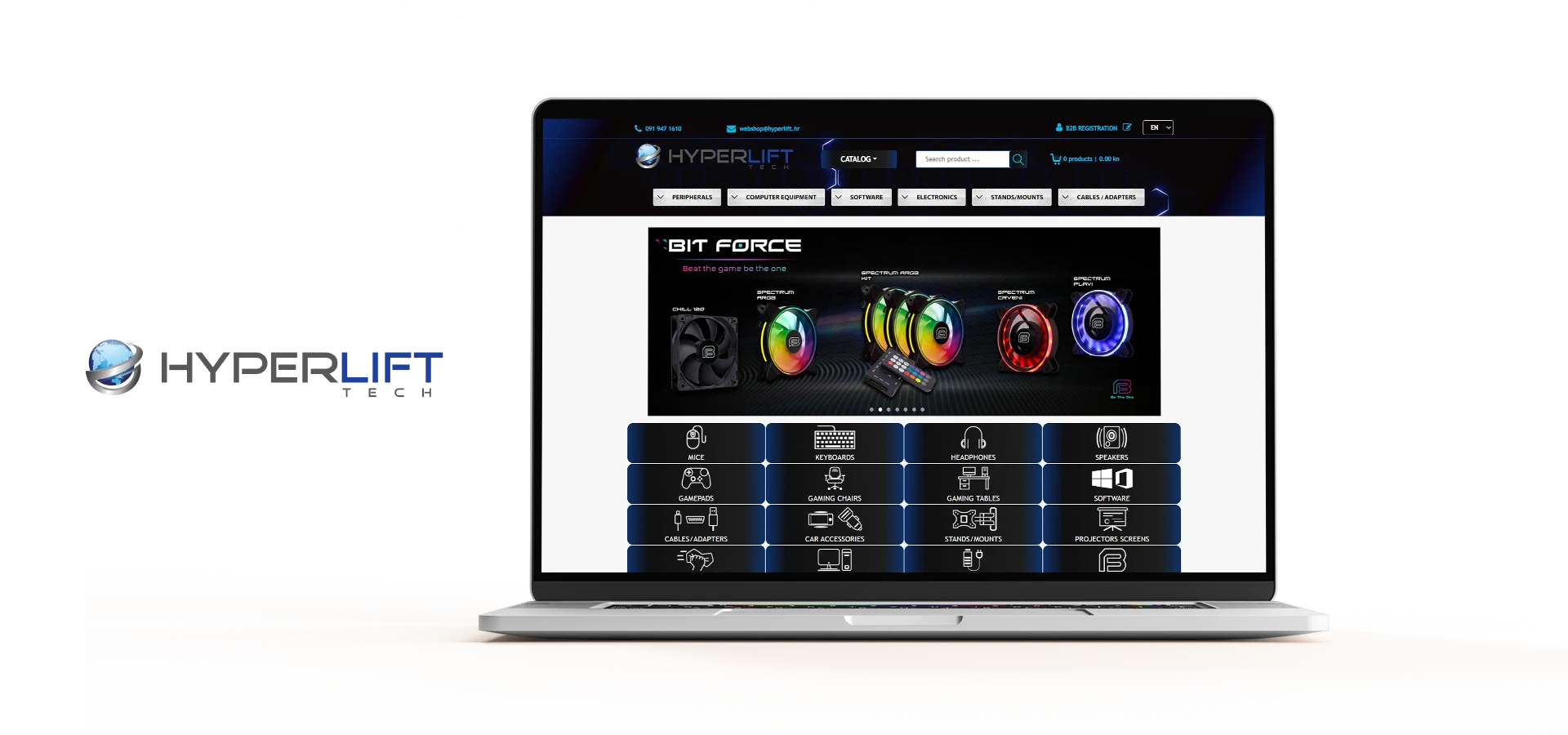
A complex web shop system with a B2B module and synchronization with suppliers via the API channel in addition to synchronization with its own warehouse.
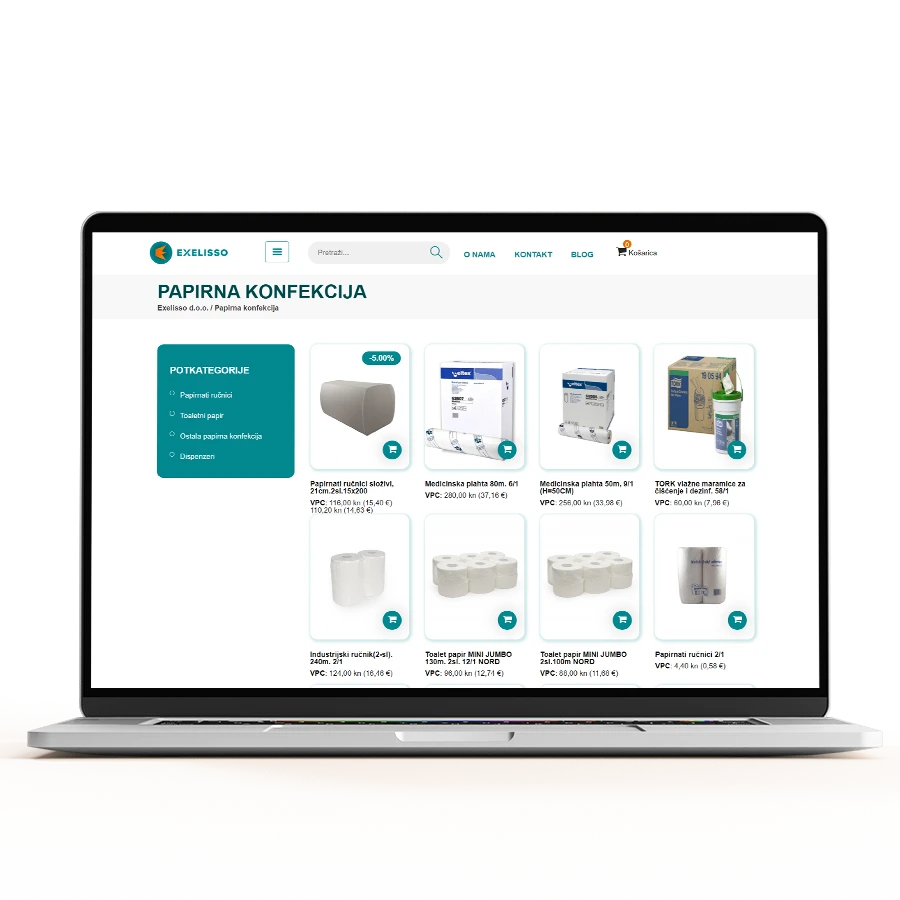
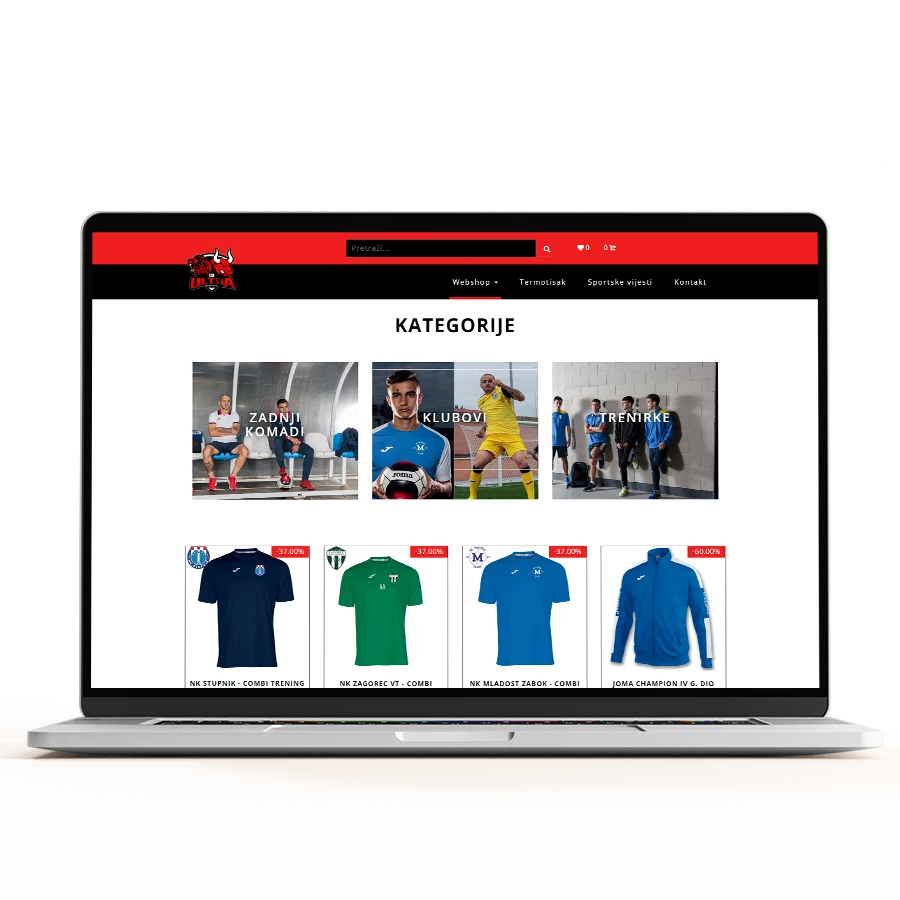
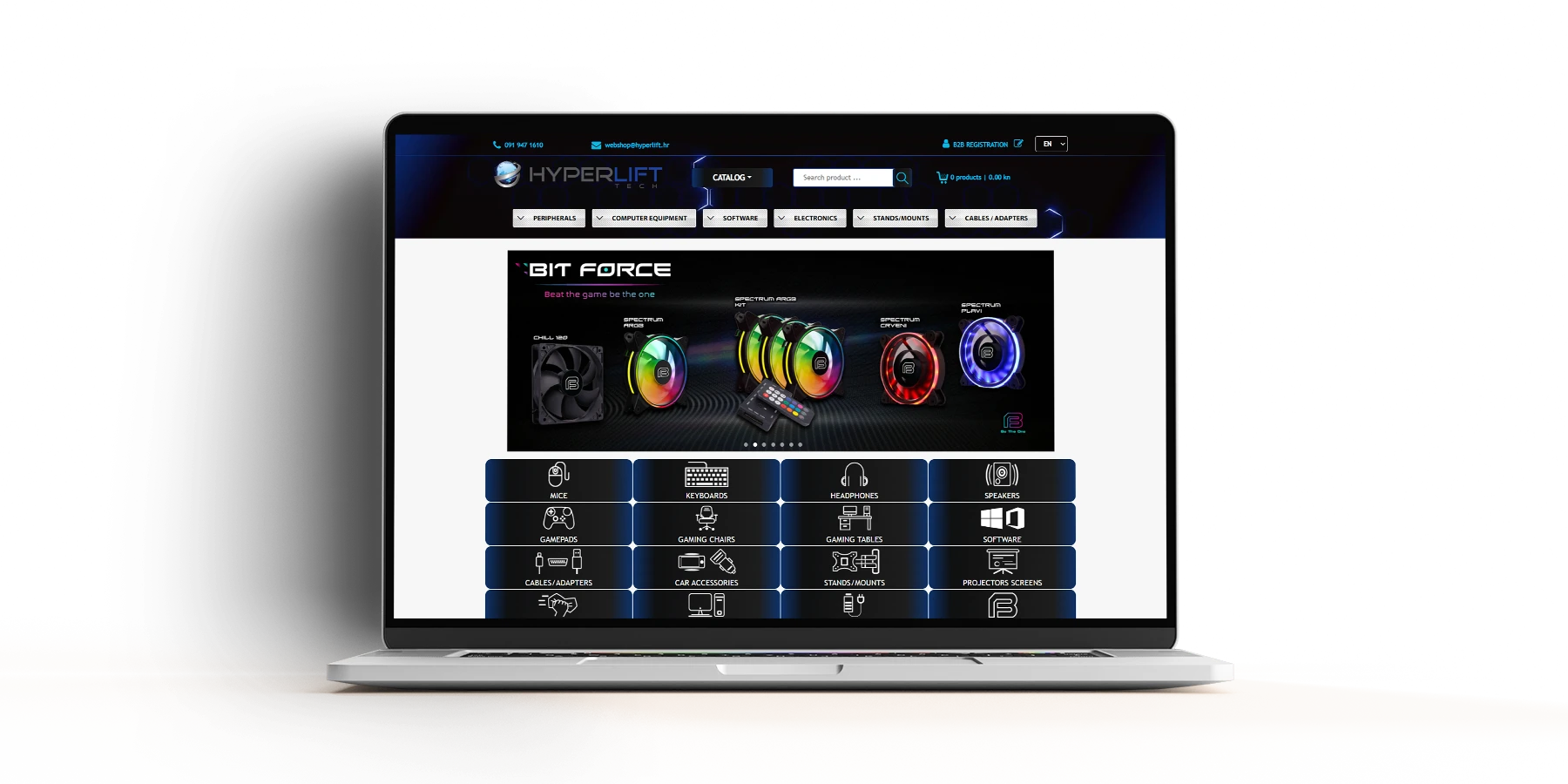
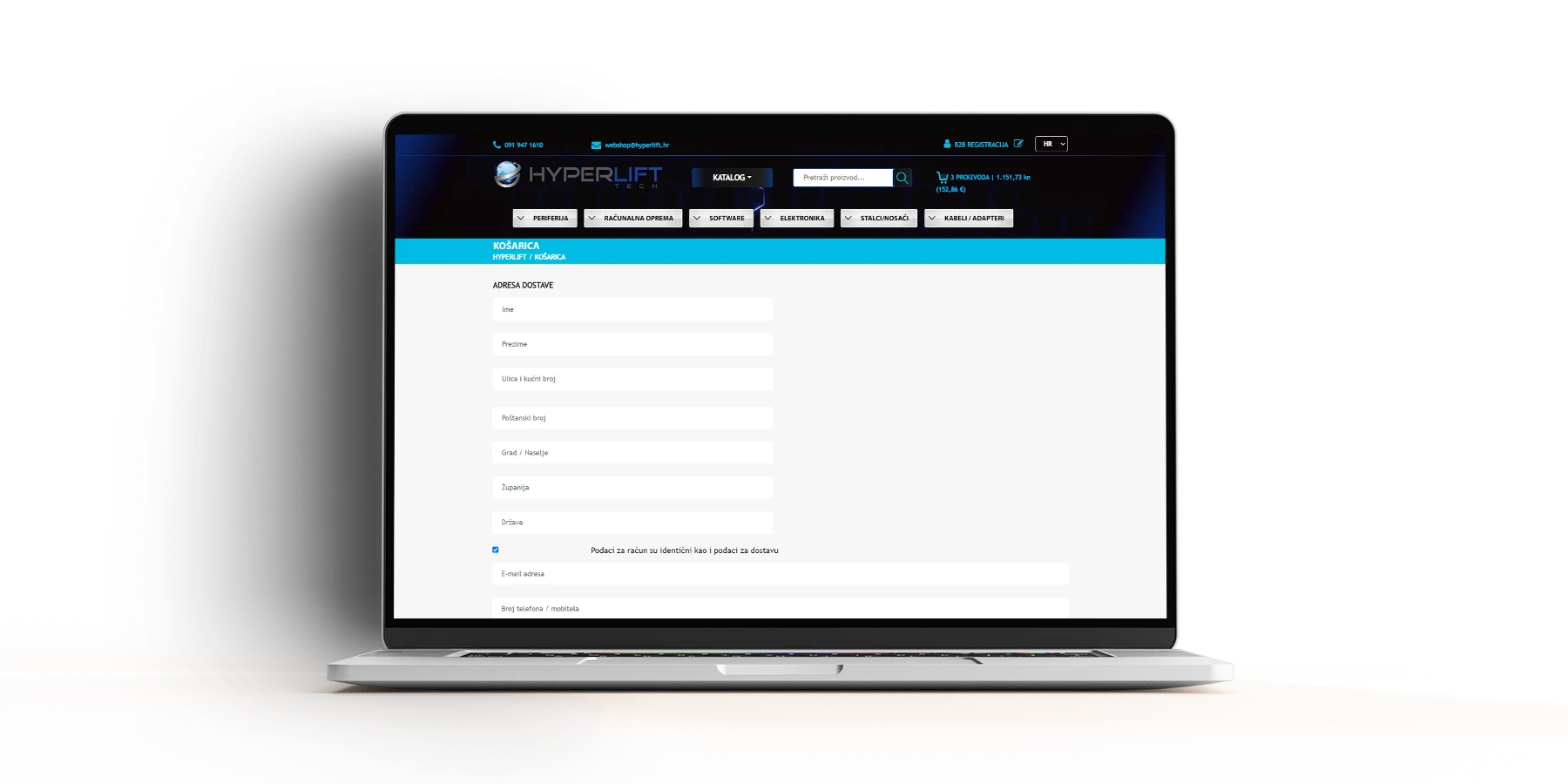
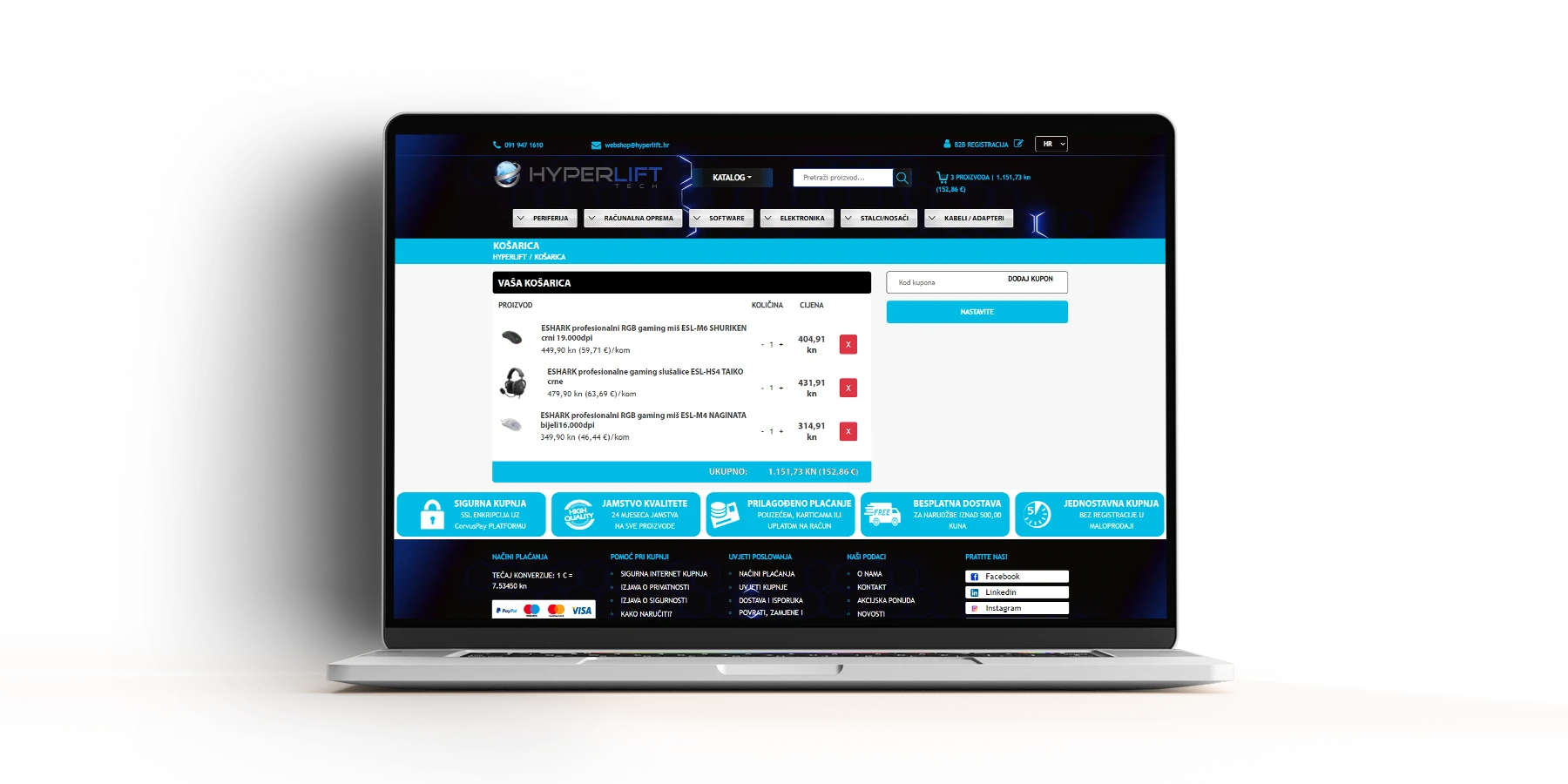
The project of creating this web shop is the least demanding because of what you can see if you visit it, although the front end (what is visible to all users) is not simple either. In the role of a retail visitor of the web shop, you can already notice on the cover that we do not have a classic menu, but there are three versions of the menu for three different customer mindsets.
- in the form of a Catalog where all false categories and subcategories are immediately displayed according to the web store administrator’s choice
- classic top menu with groups of items enriched with a drop-down menu with subcategories
- display of pictograms of categories of articles, which is actually a real categorization and according to which the network addresses of the articles themselves are structured
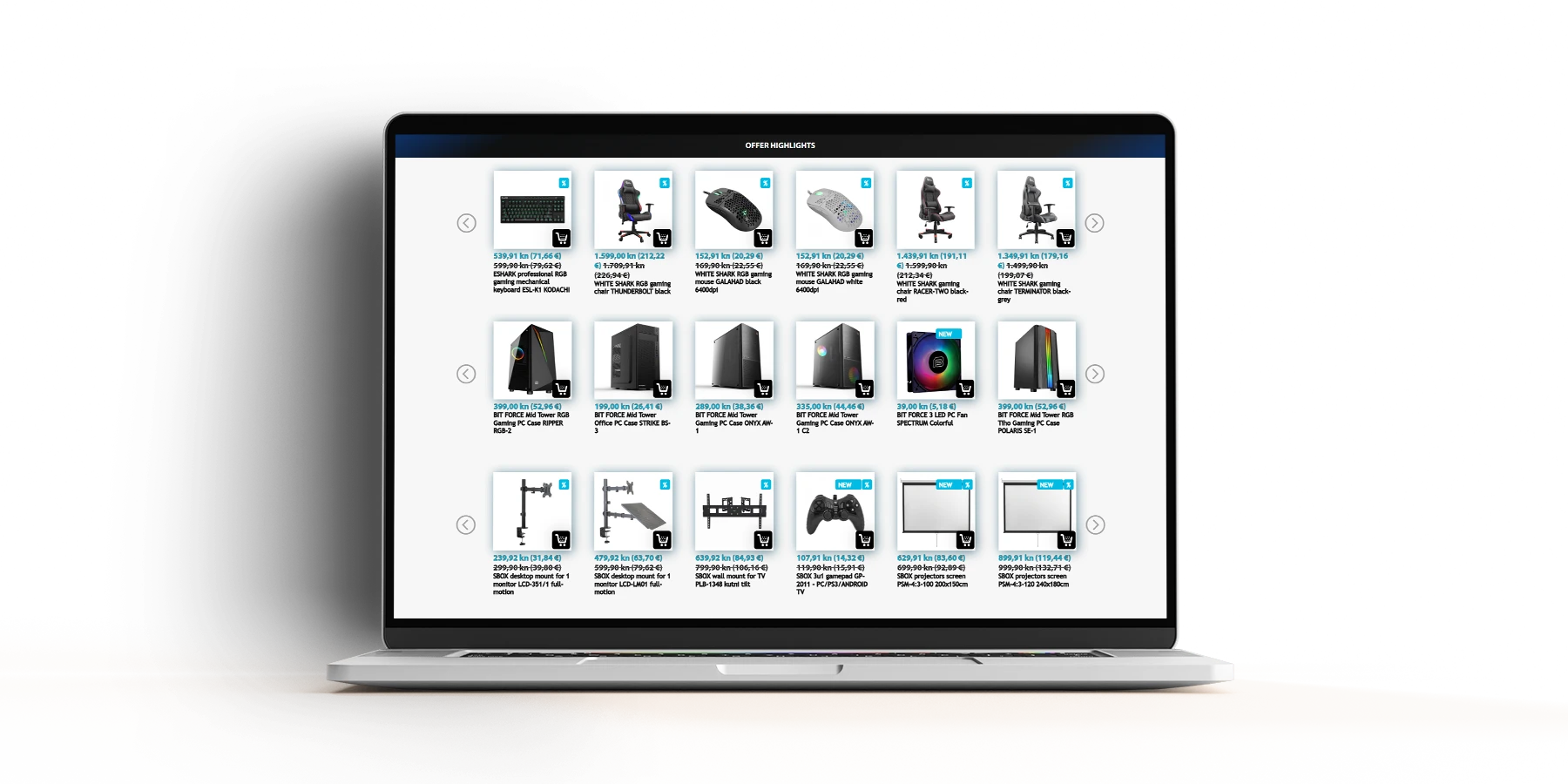
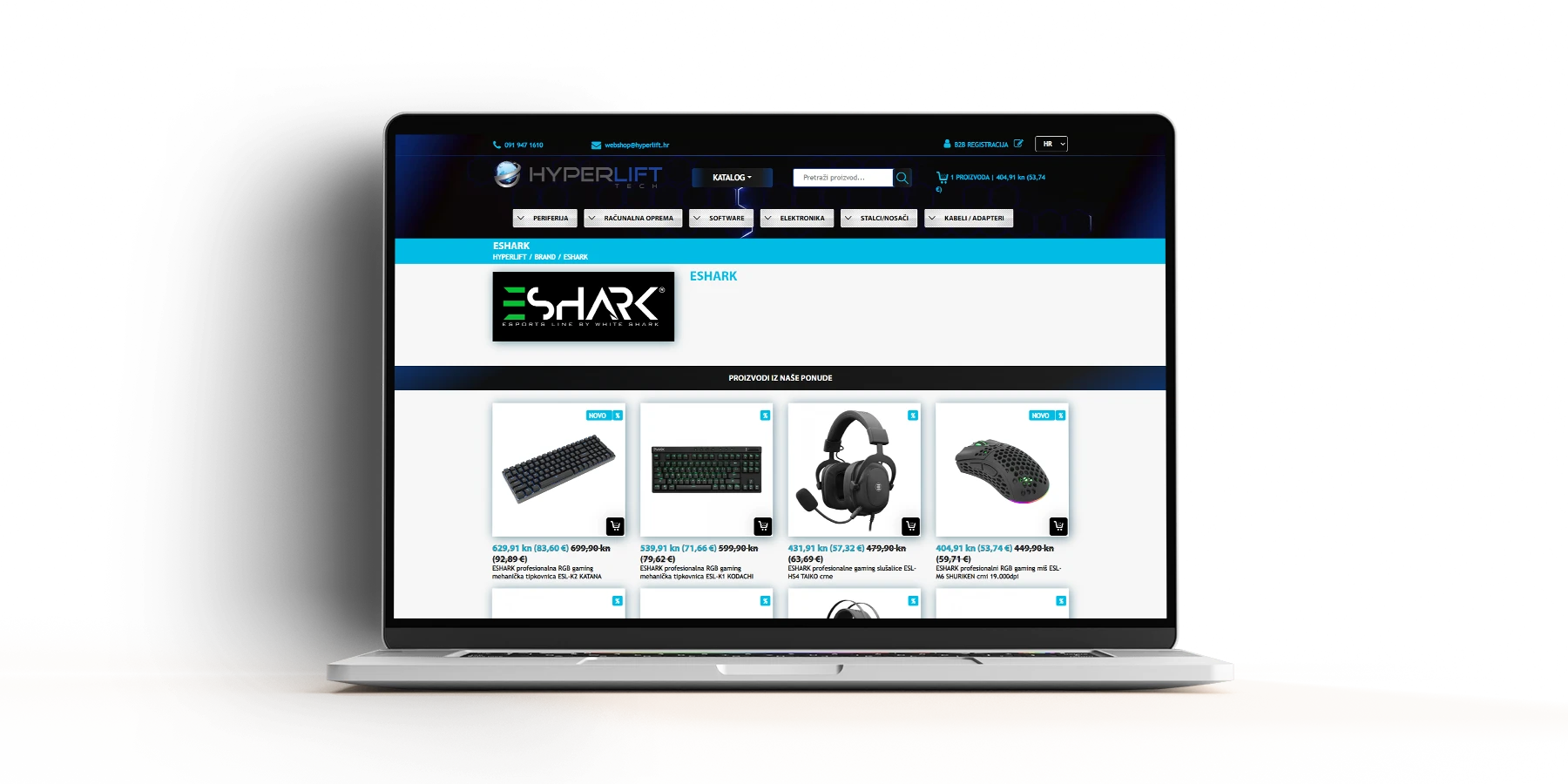
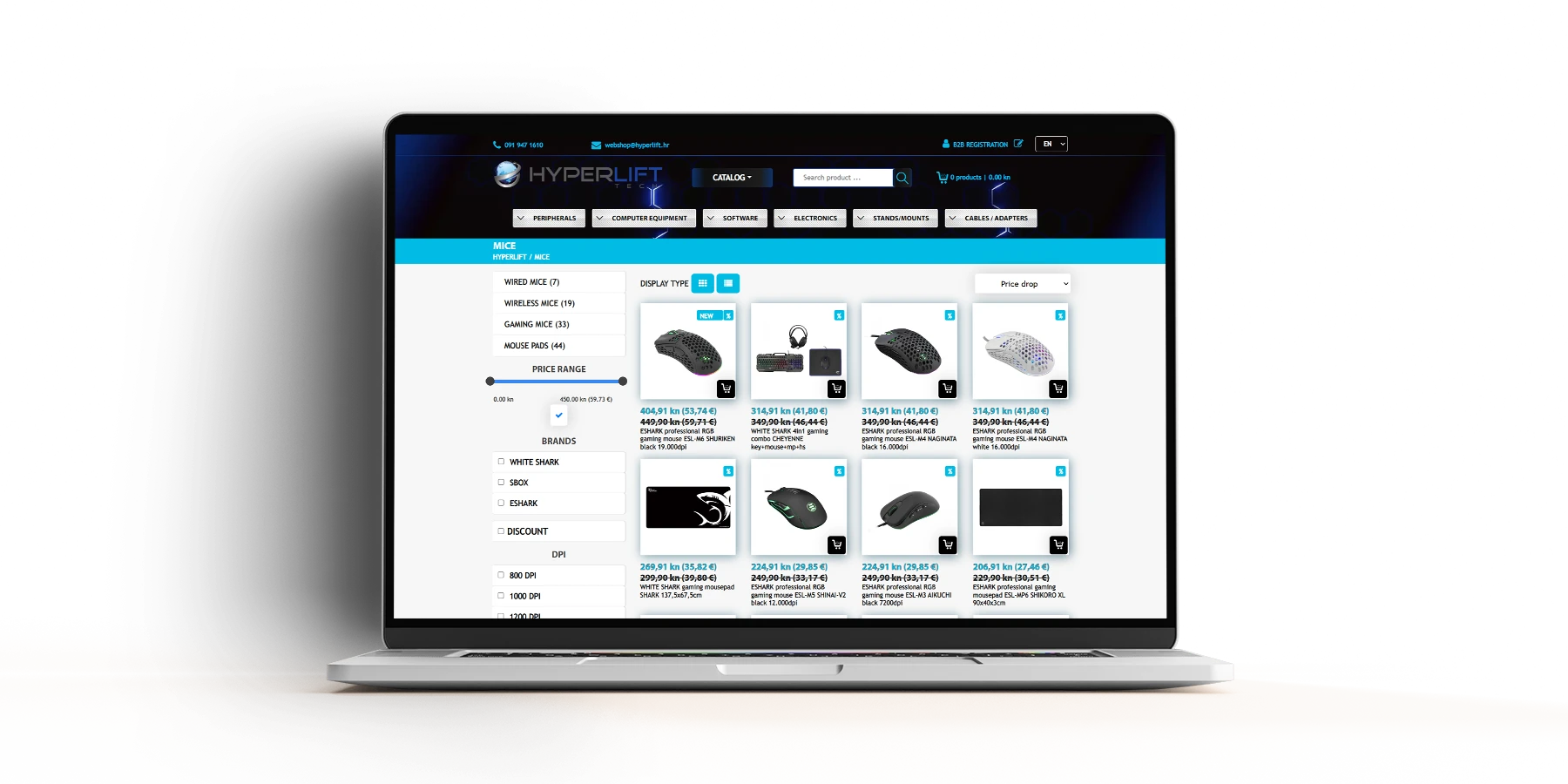
At the category and subcategory level, classic roadmaps were created in the form of instant display of subcategories, display of articles in two types of views, filters by brand, price, on sale and several ways of sorting displayed articles.
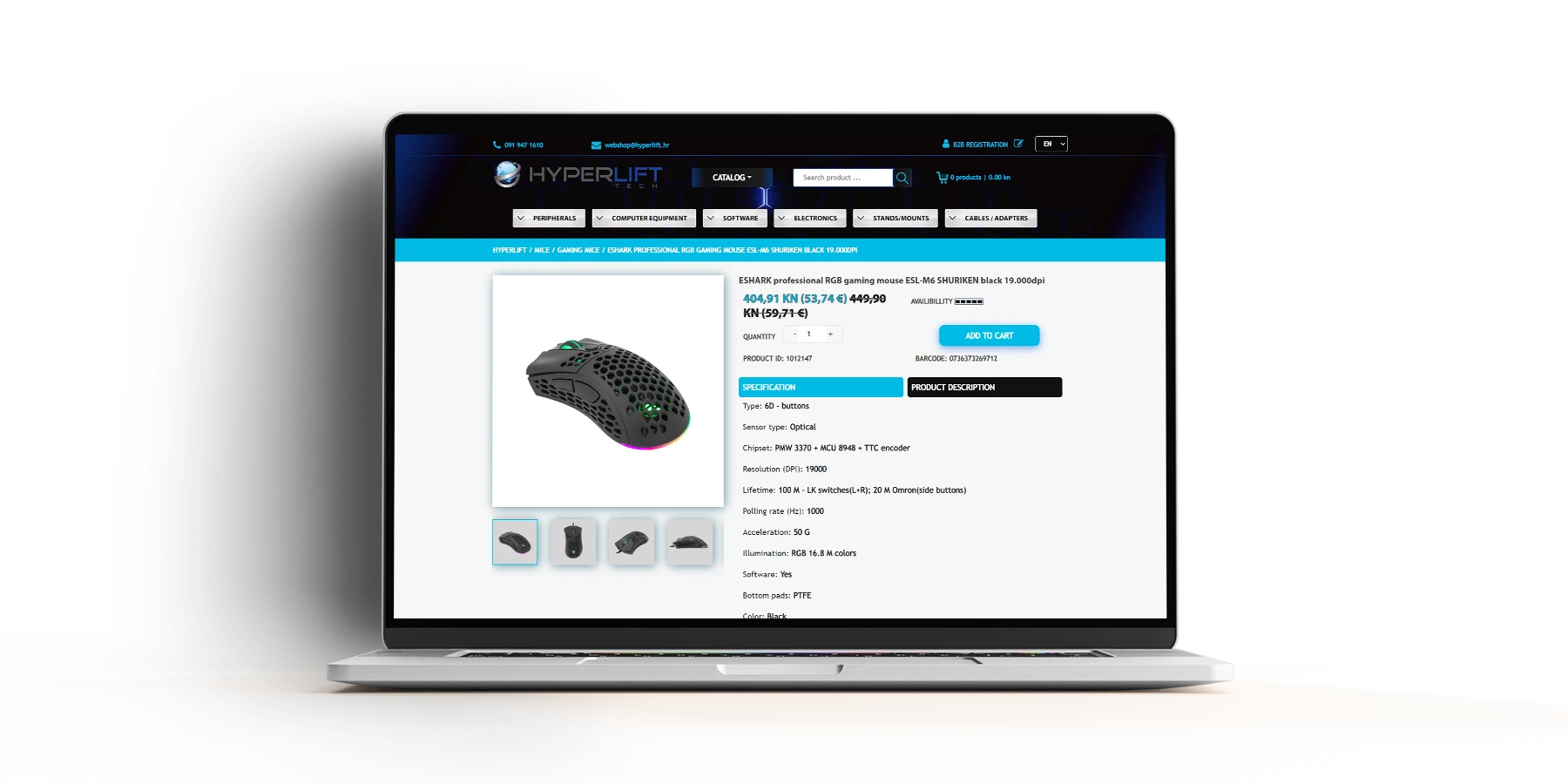
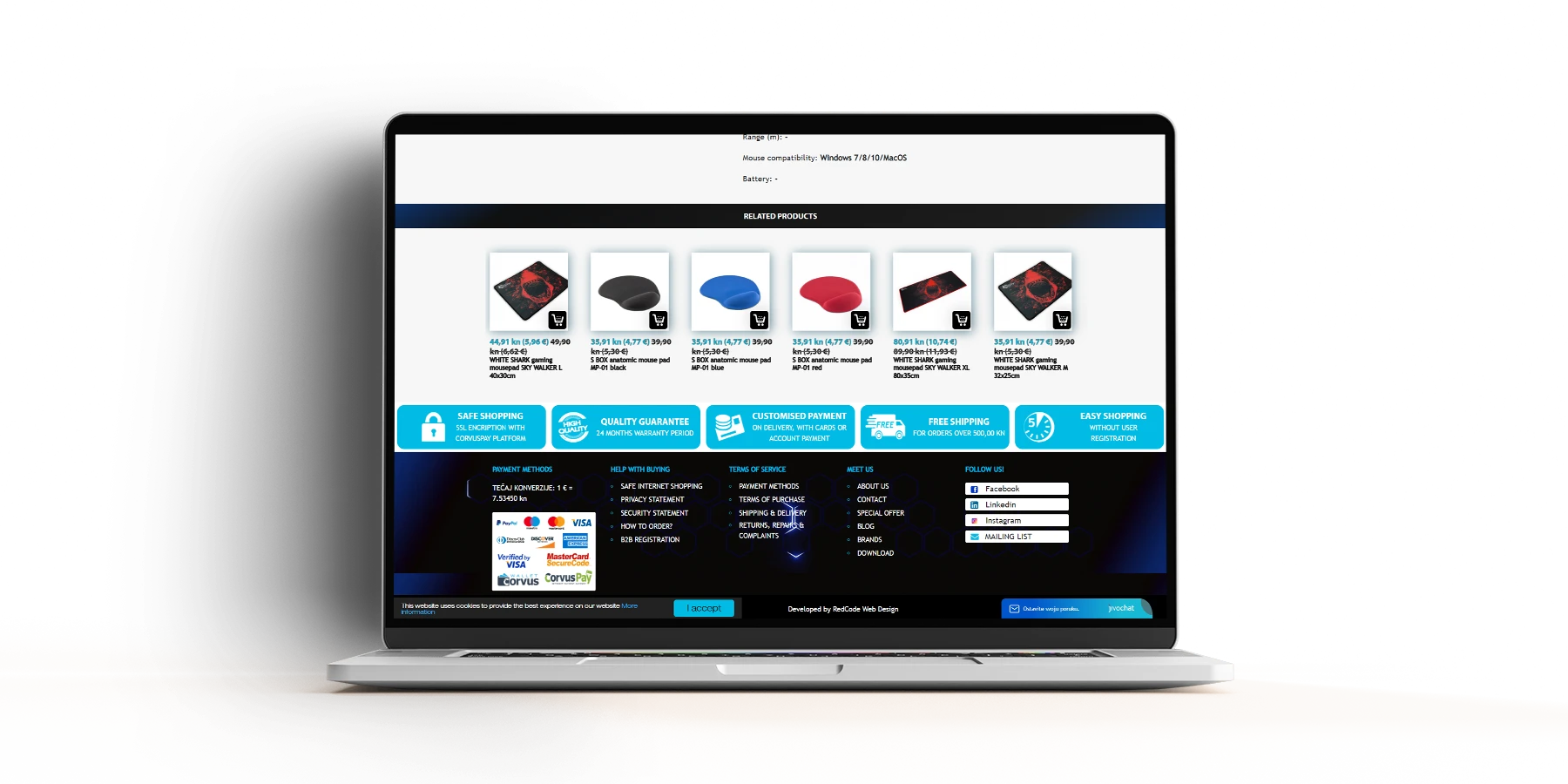
The individual item level is also classic and provides an overview of the photo gallery of the web shop product, the technical specification and product description, the path to the product, adding it to the cart or a notification that the item is currently unavailable, and related products so that the customer always has somewhere to continue his purchase journey.
The part that was demanding is in the background
Starting with a management system for web shop administrators powered by our RedCode CMS based on the Laravel framework, it is broad enough to allow an administrator to independently:
- manage orders
- send notifications from the system according to the status of the order
- manage products
- manage the categories and subcategories of the web shop as well as classify their positions on the web pages
- manage brands
- manage tax classes
- manage courier services and set a different delivery price for each
- create and manage the web shop order statuses themselves
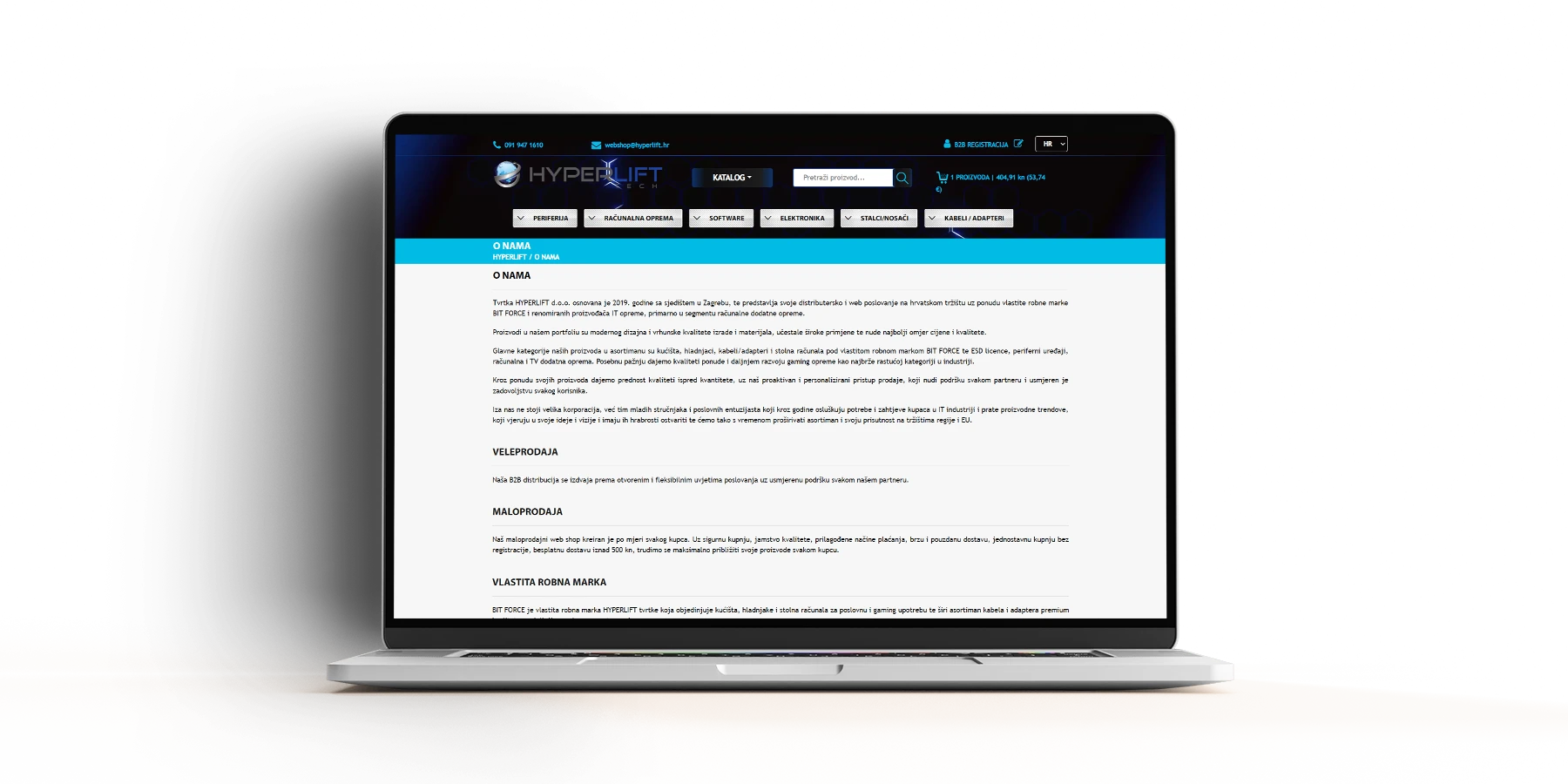
- manage general pages such as About Us, General Terms and Conditions and similar
- manage the photo slider on the front page itself
And much more.
B2B module and additional web store extensions
In addition to the functionalities listed above, the client also needed a B2B module and advanced management of the websites themselves and stocks without our intervention. Thus, it was additionally implemented;
- management of B2B customers
- management of rebates and discount scales for B2B customers
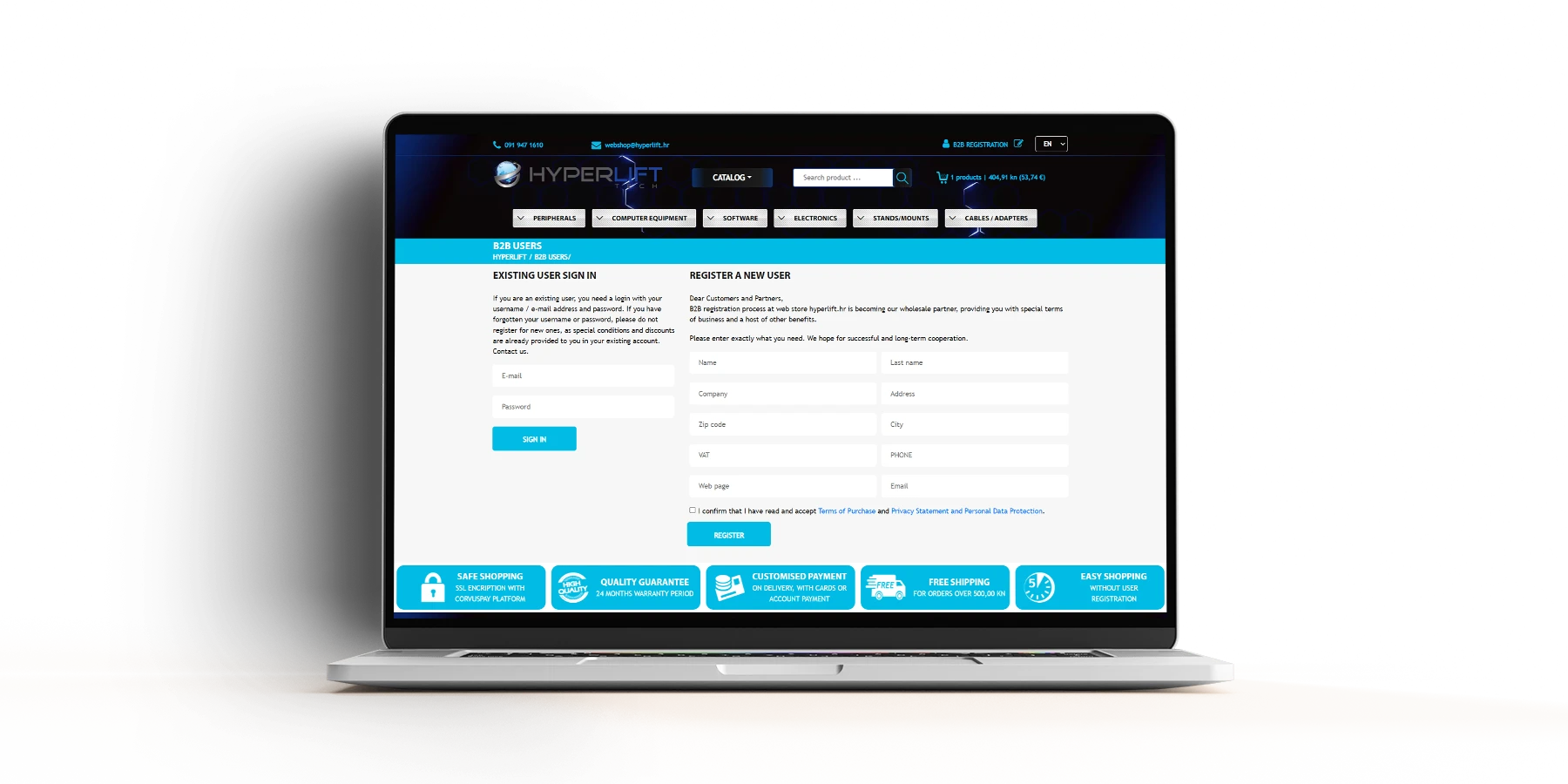
- B2B portal in the form of the possibility to register every B2B customer and view their data, rebates, order history and other things
- updating inventory status and retrieving new items with one click via API link
- management of general data such as name, logo, social networks
- management of payment methods, HTML template sent to customers when ordering, possibility of uploading files for B2B customers
And much more… In fact, we could list endless functionalities and custom extensions on this web shop.
Key Results
Projects from the category